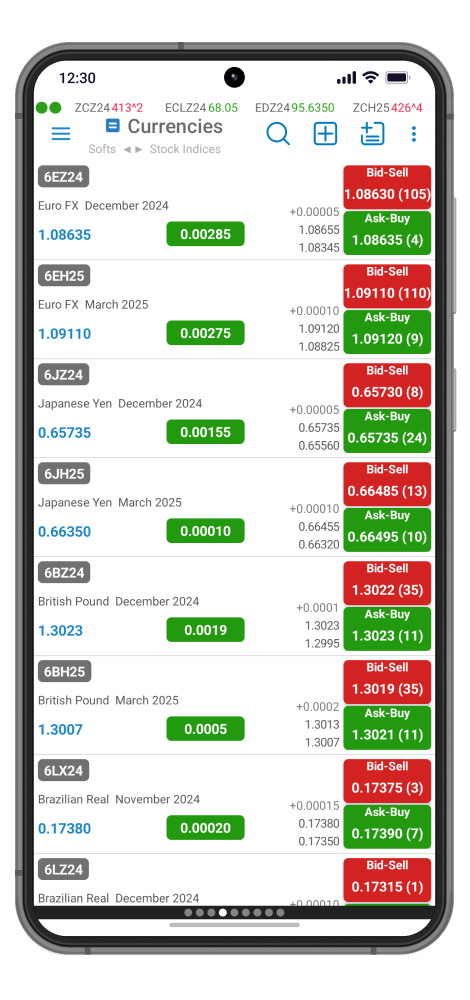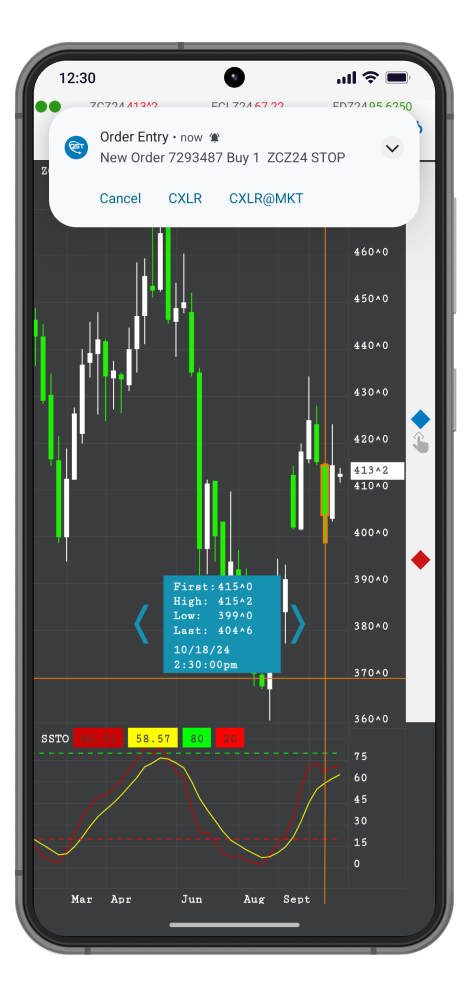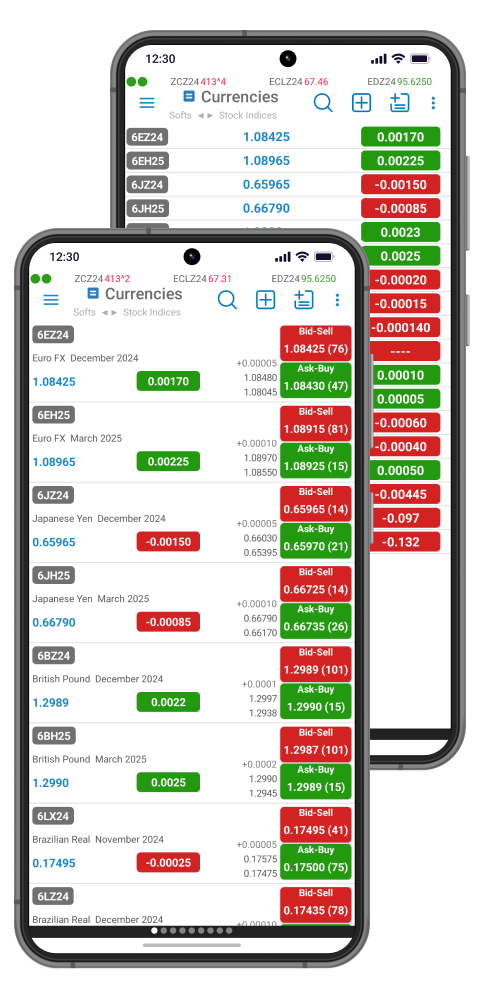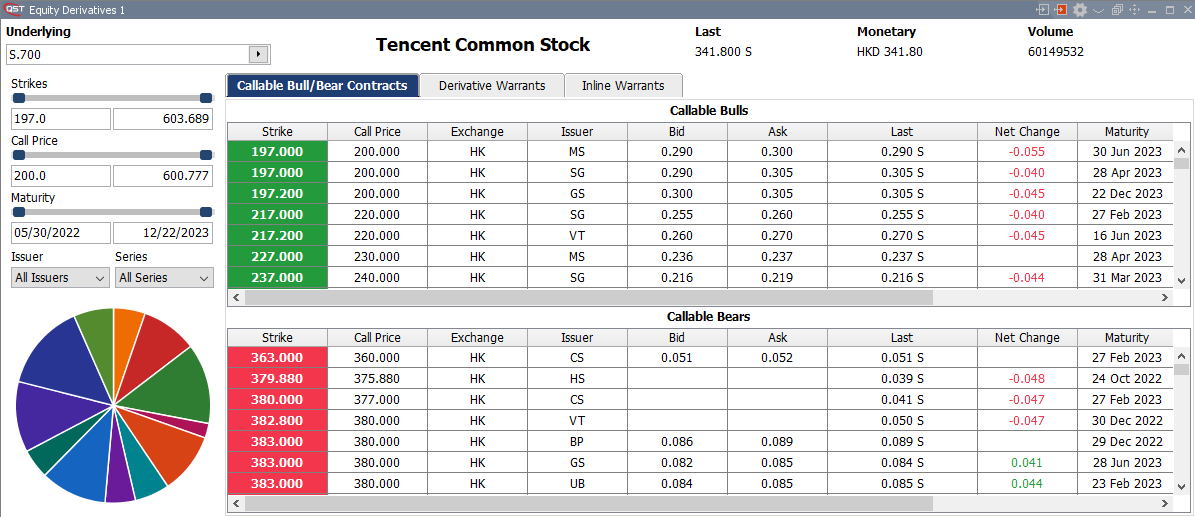
QST Professional
Detailed Features
CONTENTS:
Contents
Overview
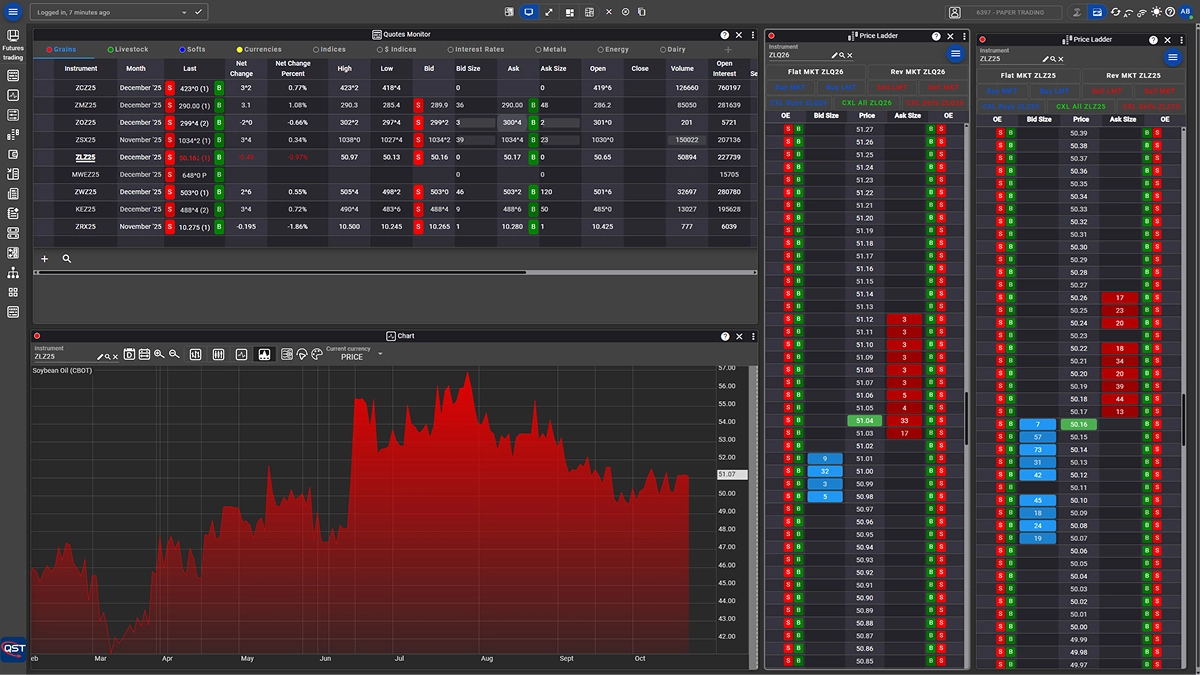
- Intuitive and consistent user interface featuring several interaction methods, including icons, dropdown menus, and keyboard shortcuts;
- Flexible “workspace” environment with tabbed layouts divided into multiple internal panels. Panels can also be detached into separate windows, and linked together for quick instrument updates with a single click;
- Full support for multi-monitor setups;
- “Cloud Desktop” capability enables users to save their personalized desktop configuration and access the same setup from any location, whether working remotely or in the office;
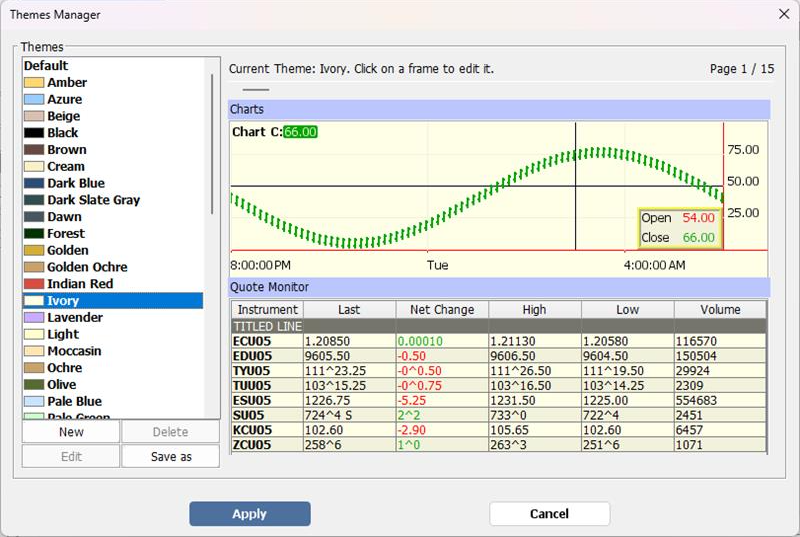
- Highly customizable interface with adjustable colors, layouts, and font sizes;
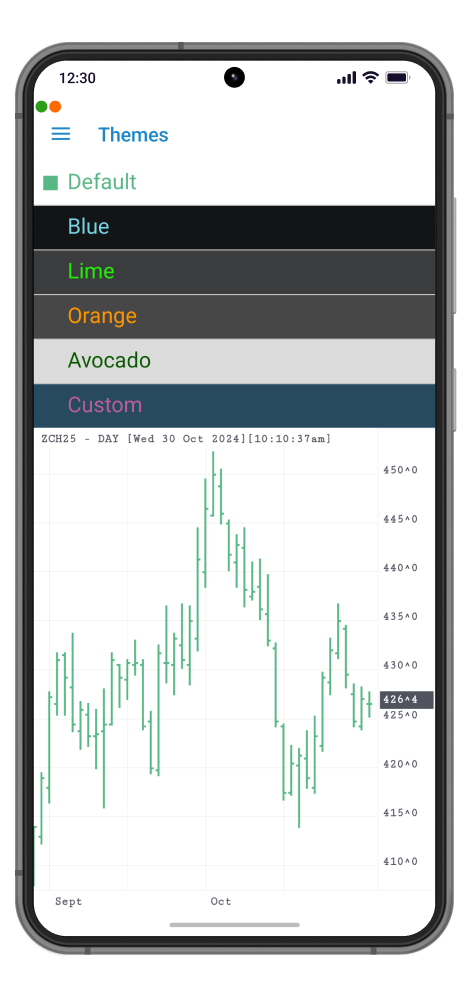
- Built-in “Themes” feature makes it easy to apply a consistent visual style across the entire platform;
- Workspace templates available for multi-panel layouts, trading screens, and chart-linked environments;
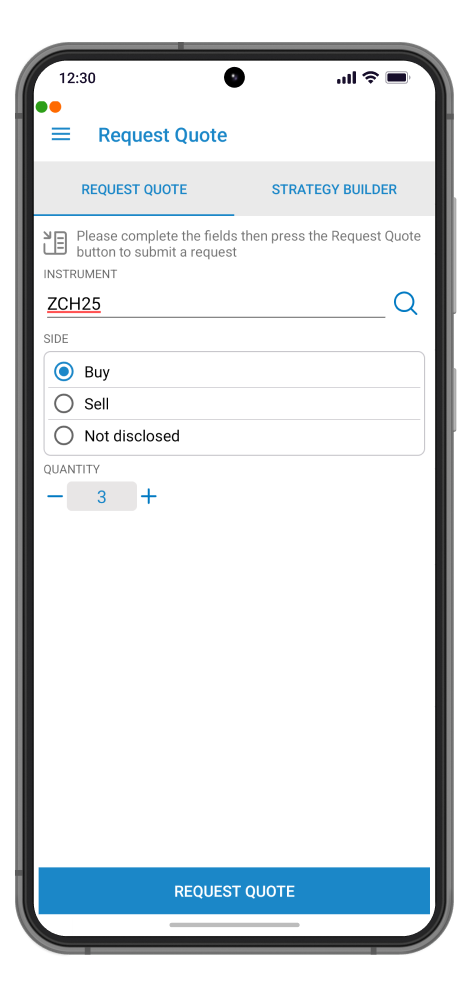
- Smart contract month selection that automatically displays valid month/year combinations after entering a contract;
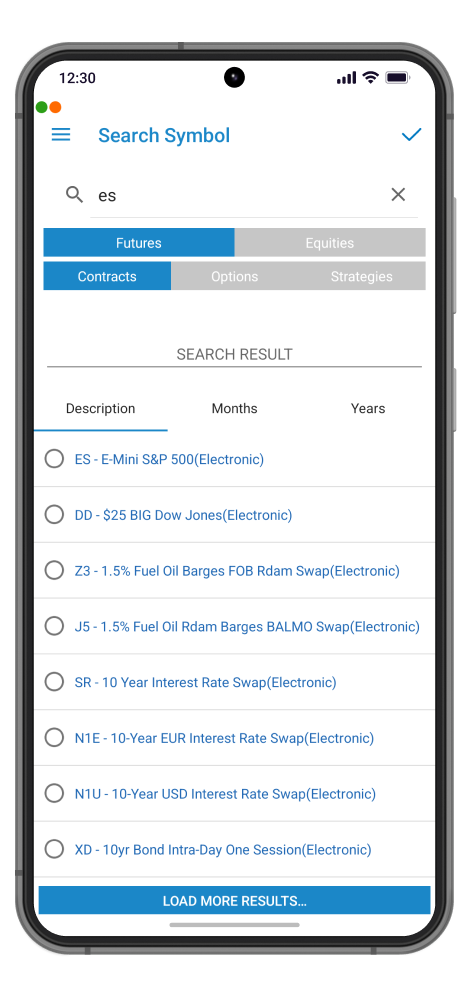
- Advanced instrument search functionality with filtering by category, exchange, description, or symbol for faster selection;
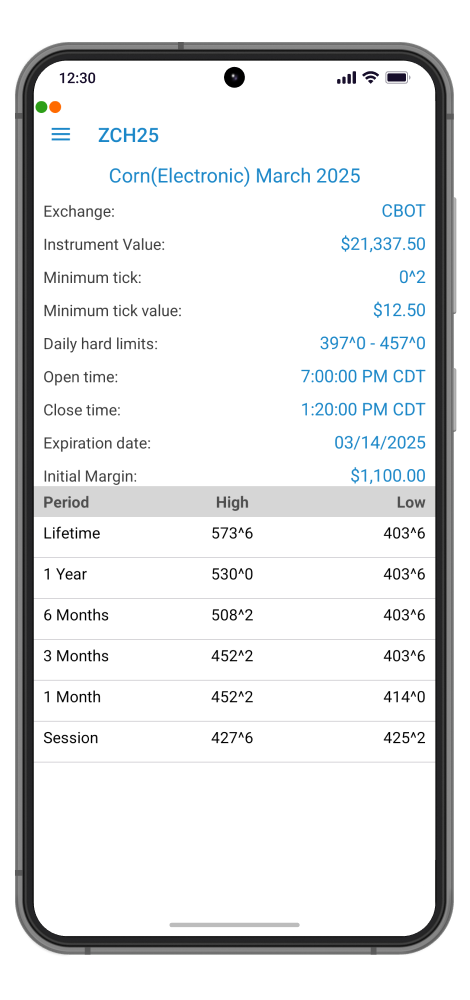
- Detailed instrument information including exchange data, contract value, minimum tick size and value, trading hours, and margin requirements.
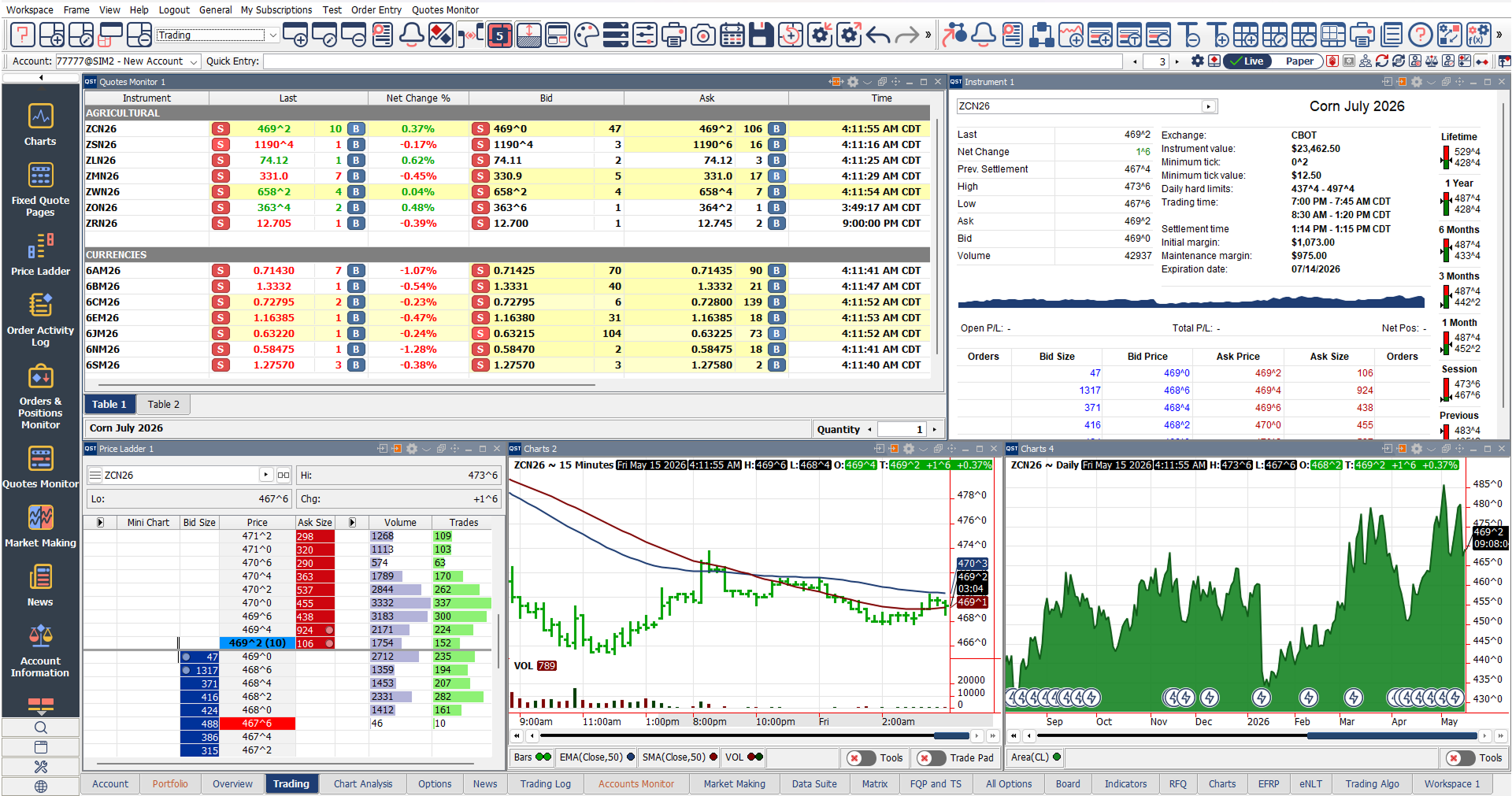
Charts
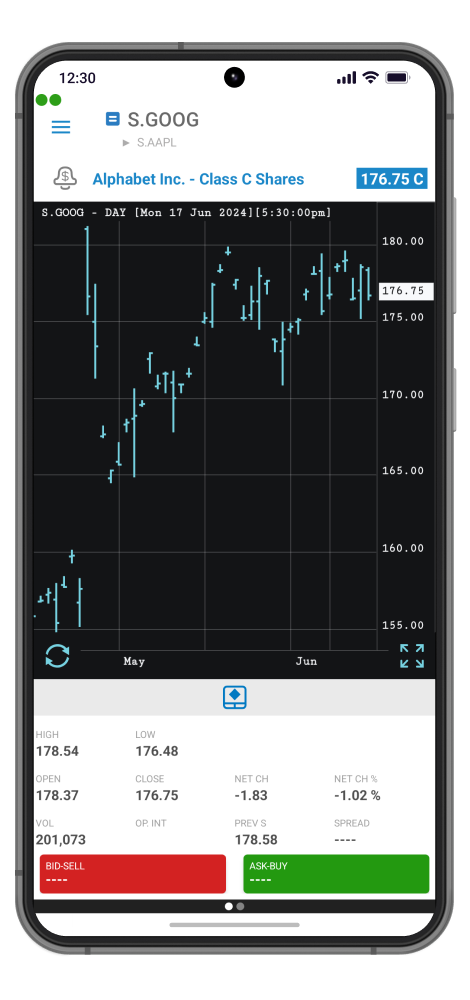
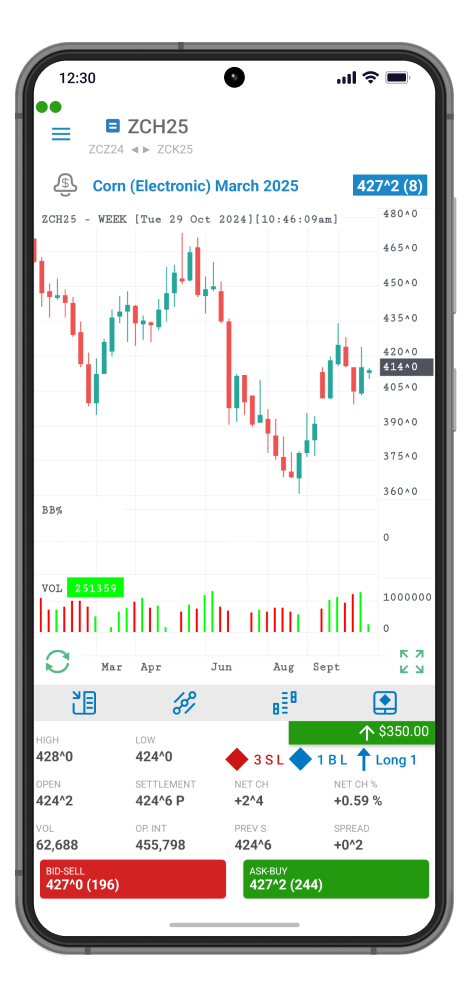
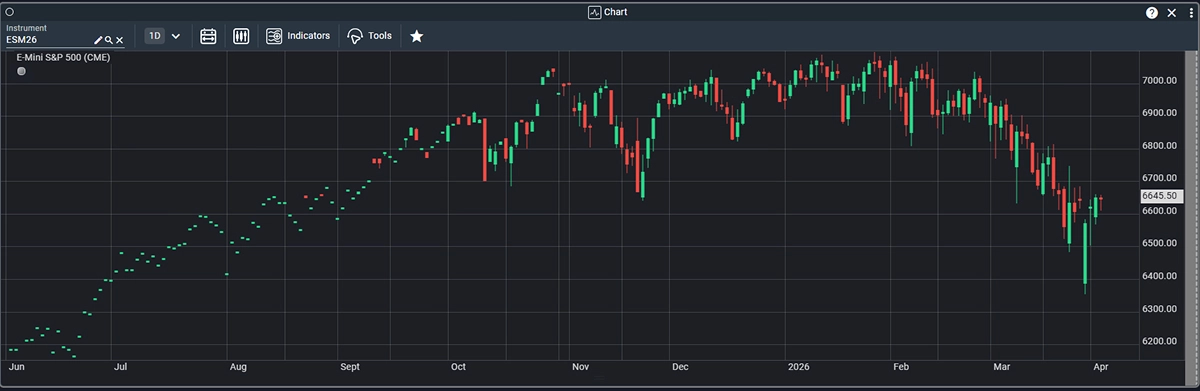
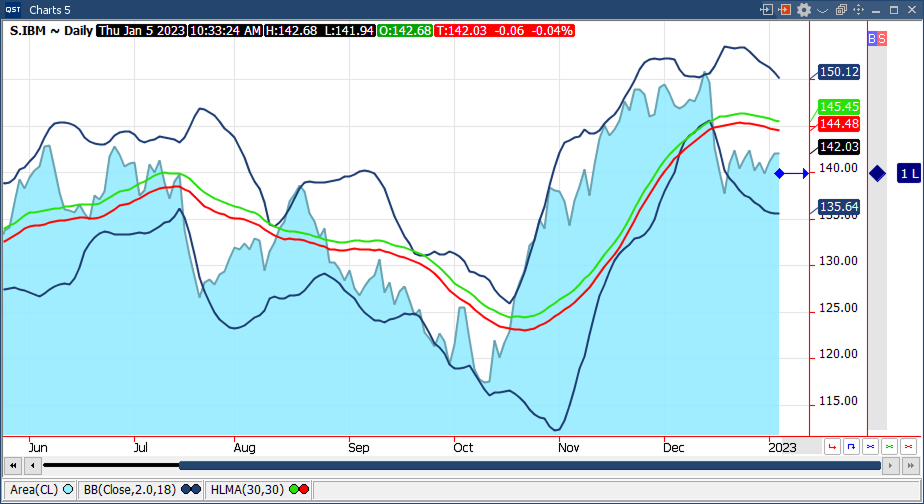
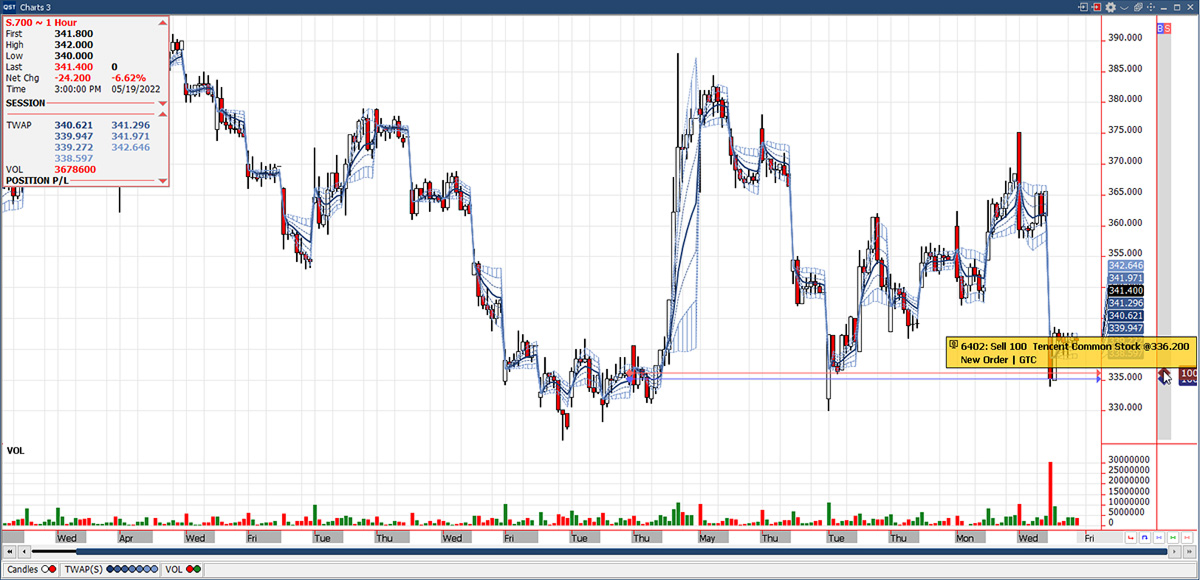
- Create advanced charts for futures, options, strategies, FX, CFDs, and equities;
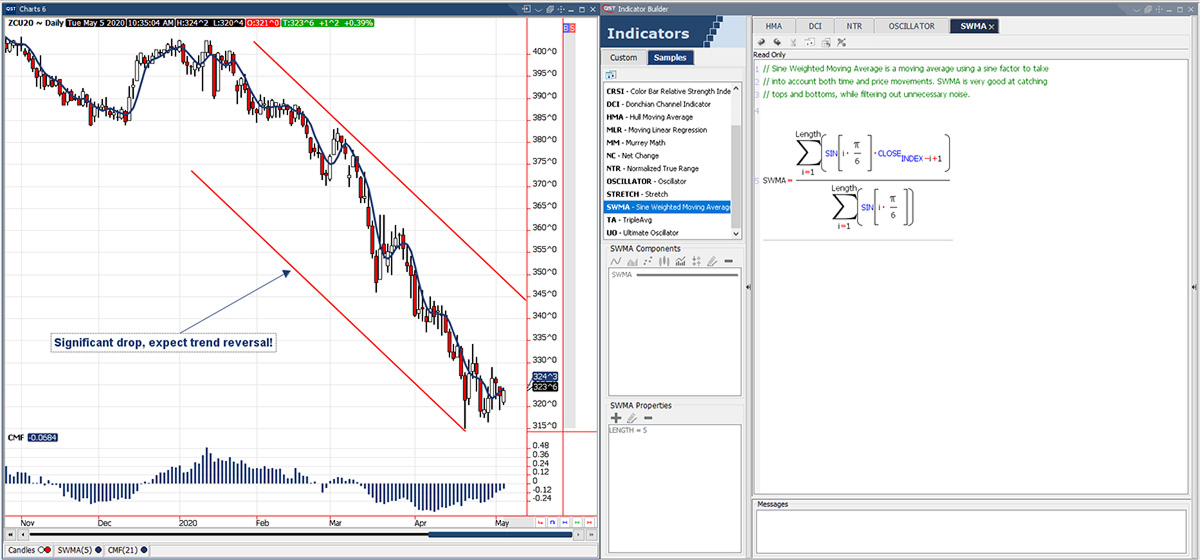
- Extensive library of technical indicators with fully programmable parameters;
- More than 30 drawing tools available, including trendlines, channels, and Fibonacci retracements;
- Support for customizable text annotations and labels;
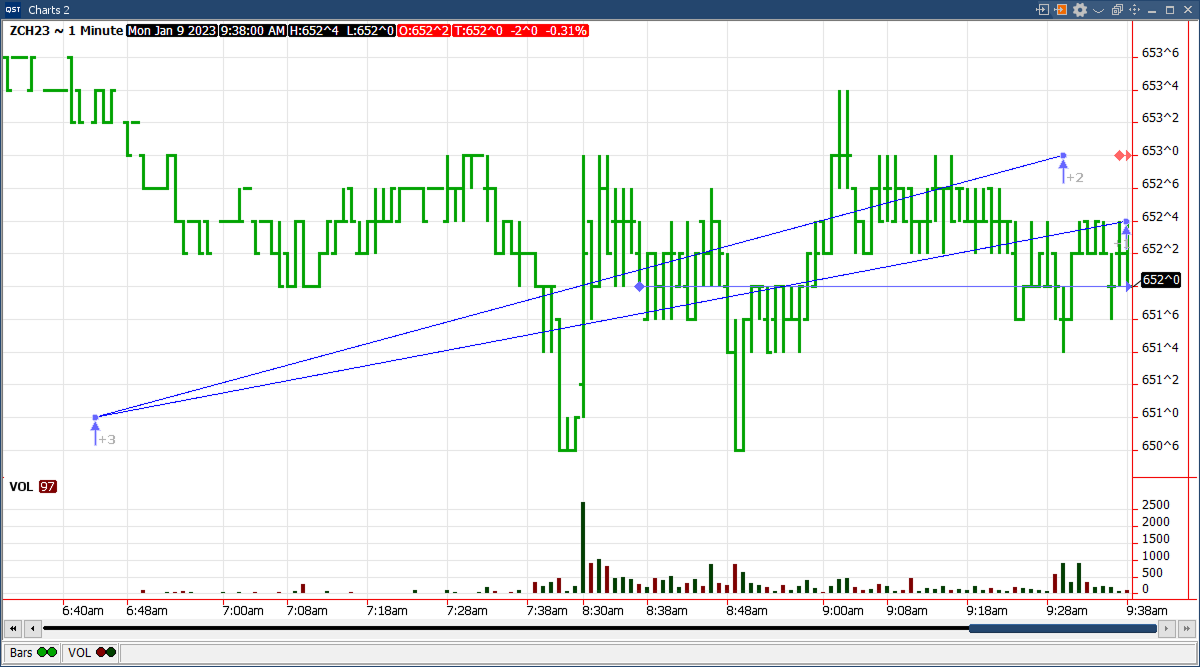
- Multiple time interval options including tick, volume, price-change, intraday, daily, weekly, monthly, and quarterly views;
- Various chart styles such as Bar, Line, Area, and Candlestick;
- Smooth pan and zoom functionality for both price and time scales;
- Integrated tabular data view with Excel export support;
- Ability to import chart data directly from Excel;
- Two user interaction modes: drag-and-drop or standard navigation;
- Forward scrolling capability for future market analysis;
- Information Pad displaying time interval, session details, indicators, and P&L data;
- Customizable cursors and informative tooltips;
- Export charts as graphic files;
- Share charts directly via email;
- Configure default chart colors and display settings;
- Apply global modifications to chart colors and properties;
- Print charts for offline analysis and reporting;
- “Represent Prices With Decimals” option for displaying prices in decimalized ^ format;
- Spread Continuation charts supported for selected contracts;
- Time-based filtering to exclude specific periods from chart displays;
- Continuation chart options accessible from the right-click menu;
- Overlay chart functionality available directly from the context menu;
- Drag-and-drop support for indicators created with the advanced Indicators Builder tool;
- Real-time alerts based on chart activity or indicator values;
- Conditional order creation triggered by chart or indicator conditions;
- Option to display or hide orders and positions directly on charts;
- Built-in Trade Pad for quick and convenient order entry;
- Orders and Positions Pad providing visibility into start-of-day positions, fills, active orders, and P&L summaries.
Quotes Monitor
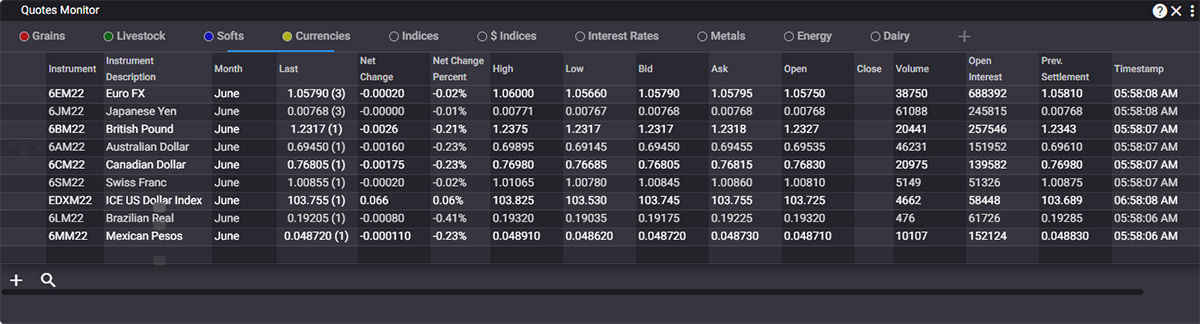
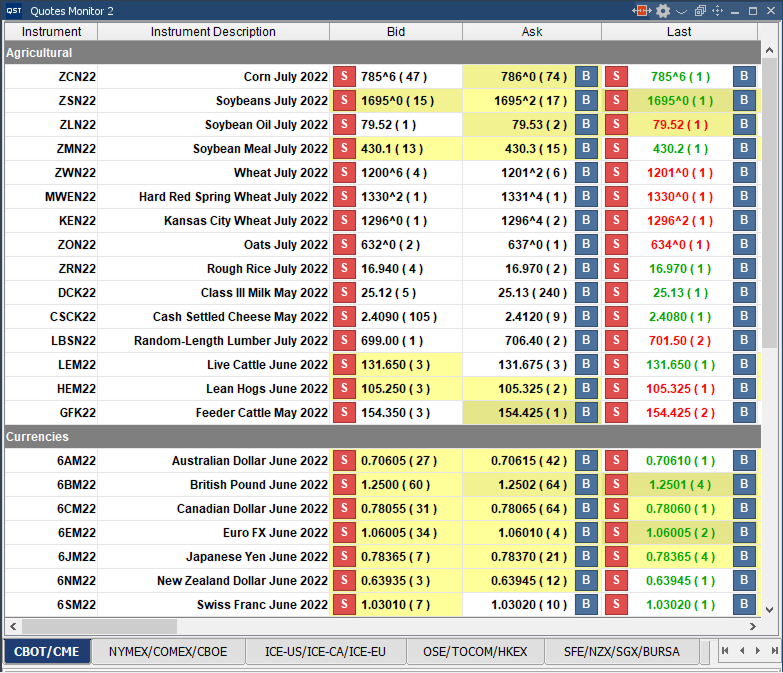
- Create and manage multiple customizable tabs for market monitoring;
- Insert custom titles and blank rows for better organization and readability;
- Personalize colors, font sizes, and display settings to match user preferences;
- Build and monitor synthetic and arithmetic spreads;
- Add free text notes and custom formulas directly within the monitor;
- Access built-in SUM and INT calculation functions;
- Quickly view detailed instrument information;
- Real-time quote integration with Excel spreadsheets through RTD or DDE links;
- Launch Charts, Options, Depth of Market, Price Ladder, or Trade Ticket windows directly from the right-click menu;
- Easily switch between trading mode and selection mode;
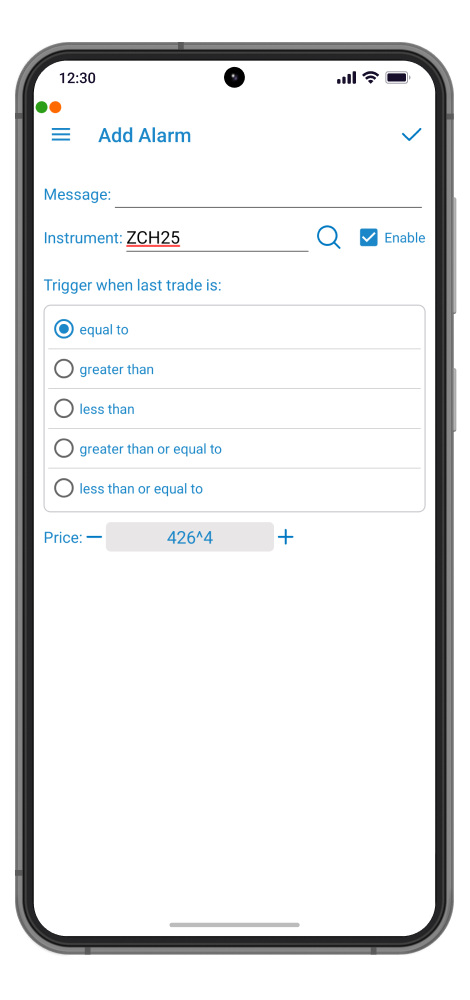
- Set price alarms to notify users when predefined levels are reached;
- Print quote pages for reporting or offline review;
- Configure alerts based on price, volume, trade size, or time conditions;
- Advanced order entry capabilities, including contingency orders and Spread Legger™ functionality;
- Option to override default account settings and order quantities during trade entry;
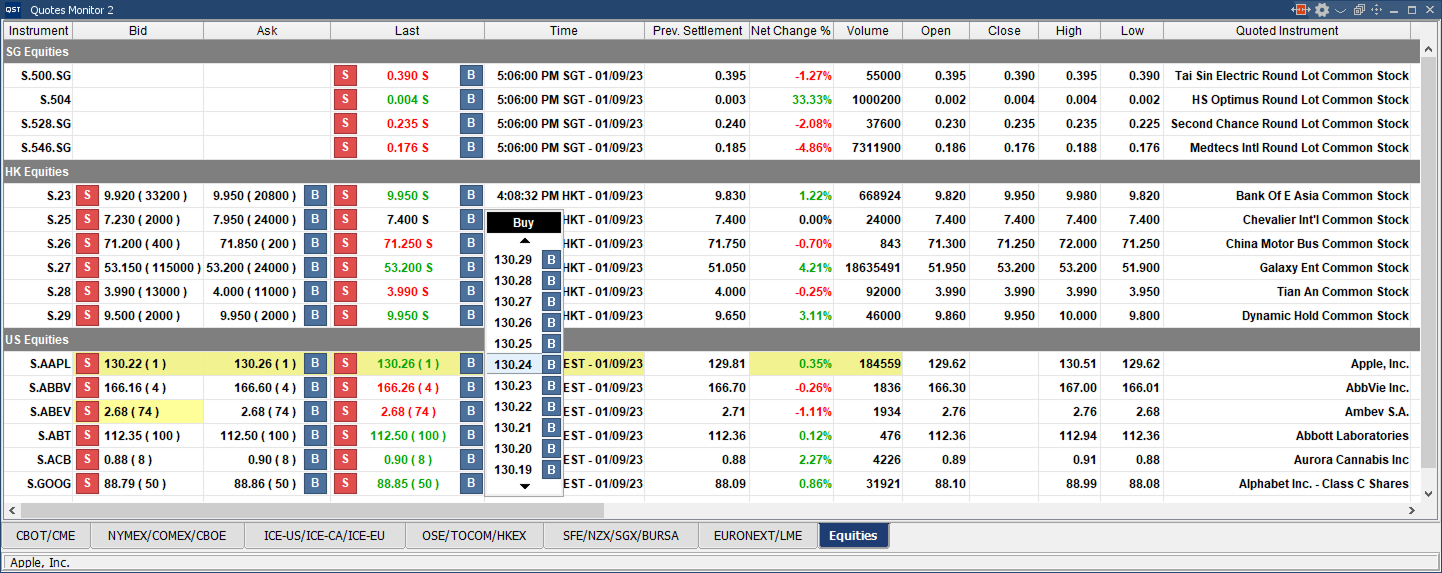
- Optional Buy/Sell buttons with mouse-over price selector for faster execution;
- Ability to estimate missing Bid and Ask prices automatically;
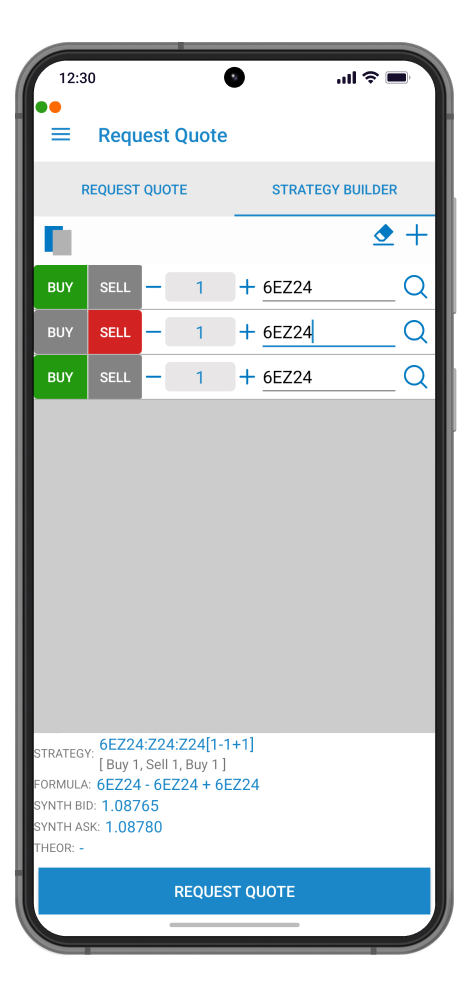
- Integrated Strategy Builder for creating and managing custom trading strategies.
Advanced Options
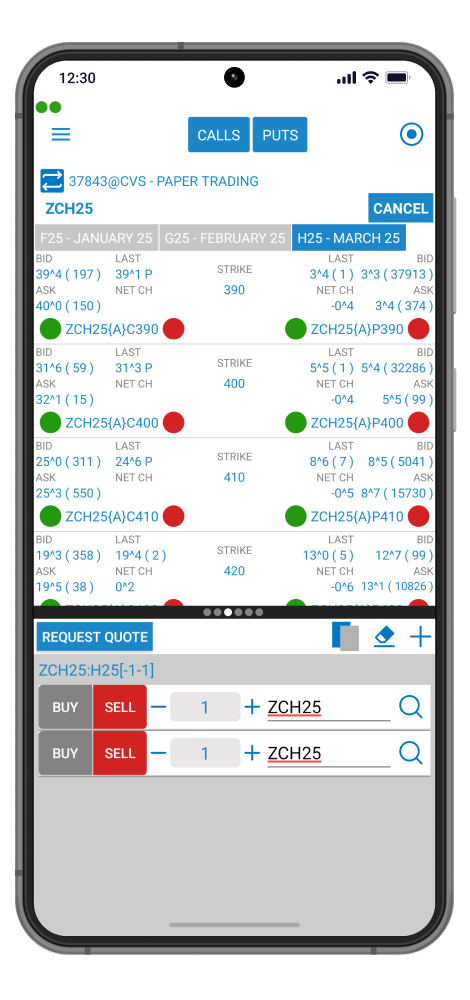
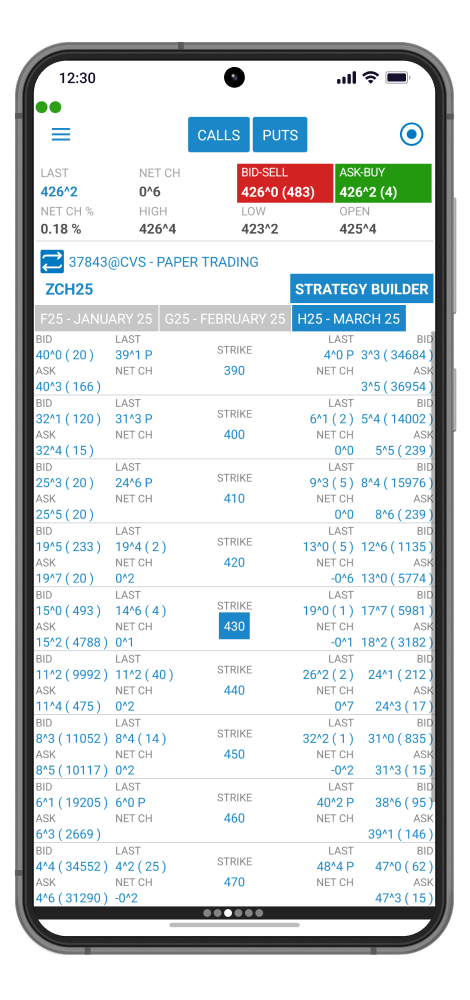
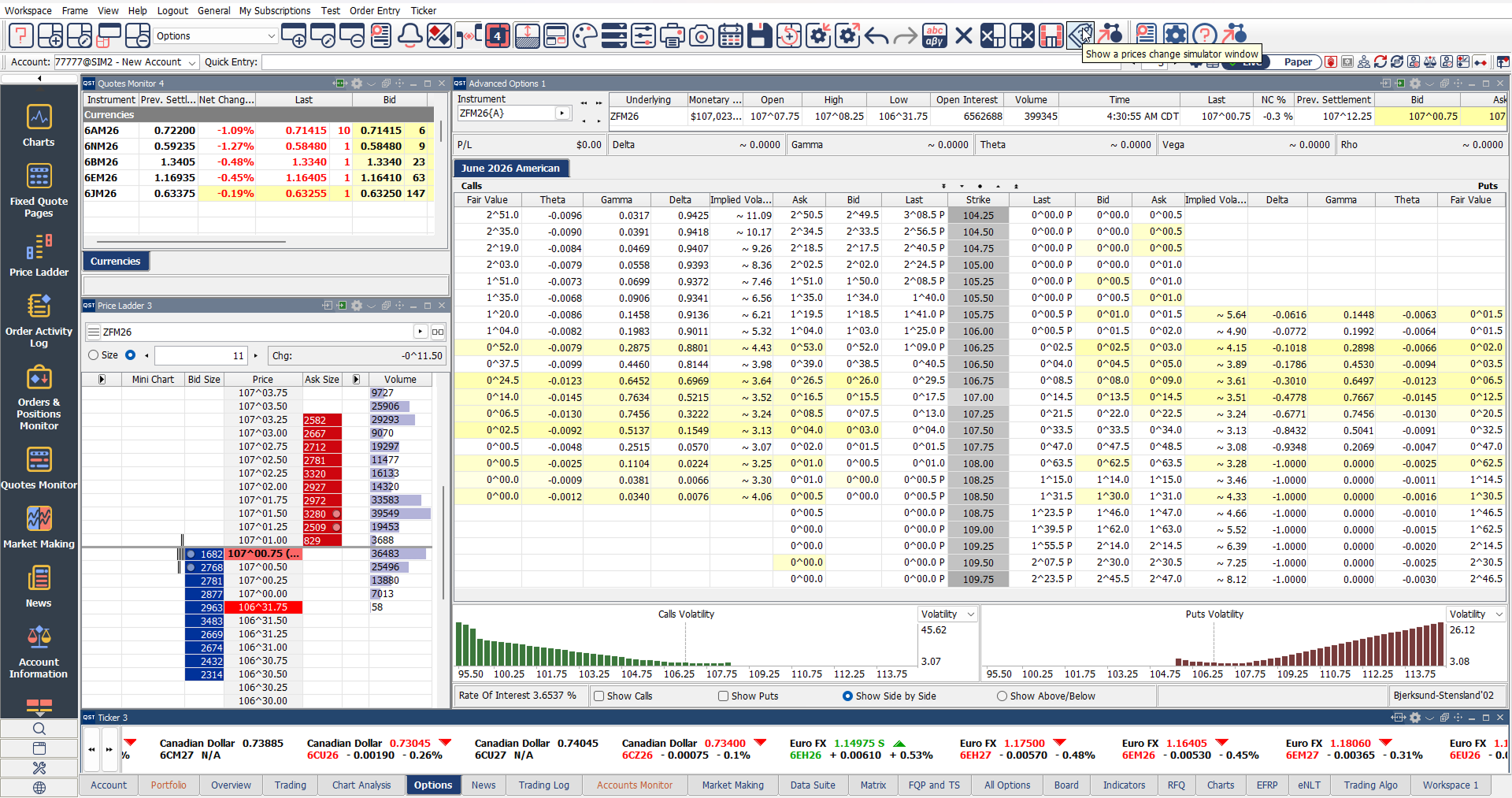
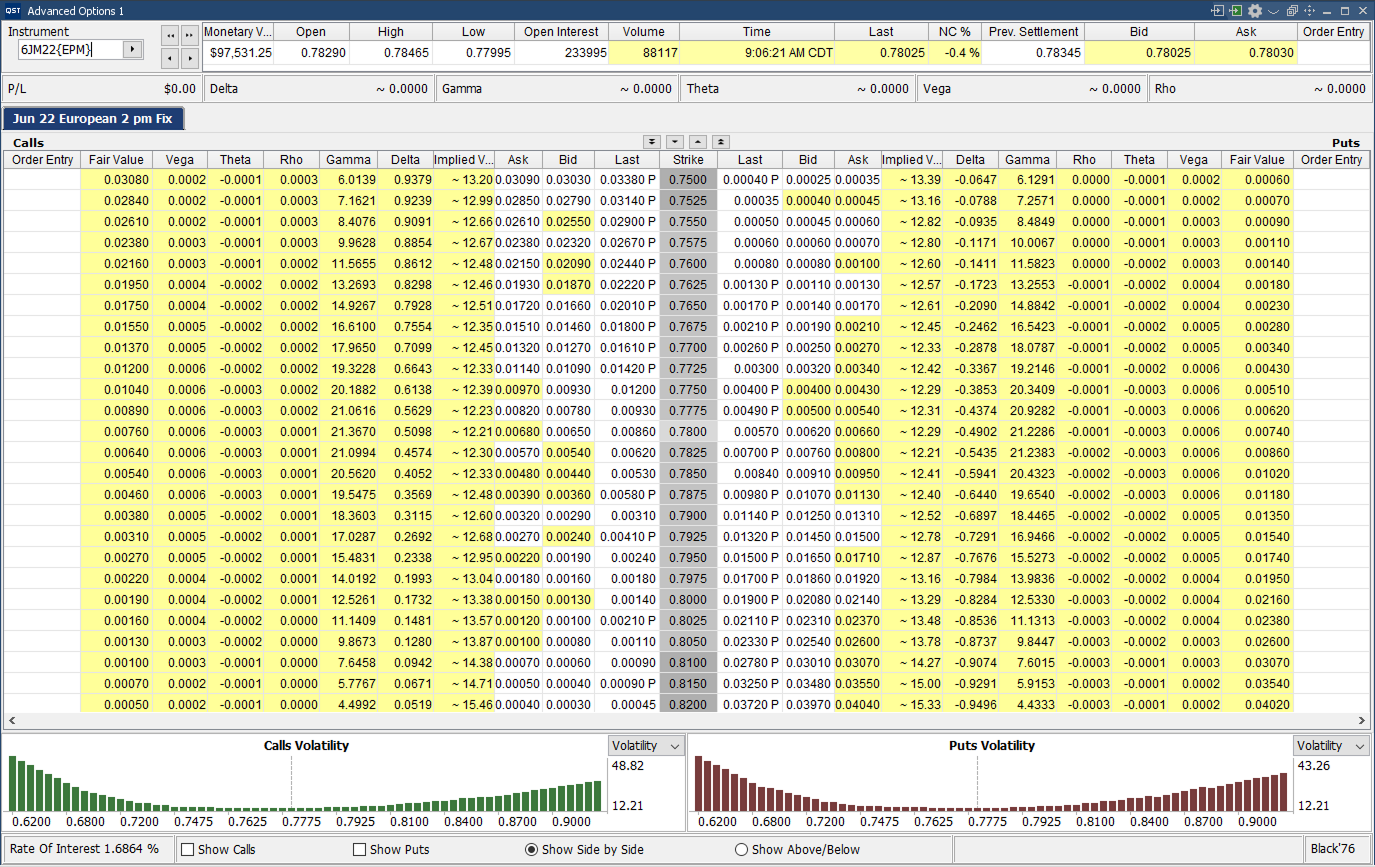
- Comprehensive options display showing futures contracts alongside all strike prices, with calls and puts arranged horizontally for efficient analysis;
- Flexible layout options allowing calls and puts to be displayed either side-by-side or stacked vertically;
- Support for multiple contracts and multiple option chains simultaneously;
- Fully customizable interface:
- Configure futures and options columns;
- Choose between fixed or scrollable columns;
- Personalize colors, font sizes, and display settings;
- Multiple advanced option pricing models supported, including:
- Black ’76
- Black-Scholes
- Binomial
- Trinomial
- Bjerksund-Stensland 2002
- Barone-Adesi Whaley
- Bachelier (Normal);
- Real-time calculation and display of option “Greeks”;
- Integrated Options Calculator supporting all pricing models for theoretical value, implied volatility, and custom scenario analysis;
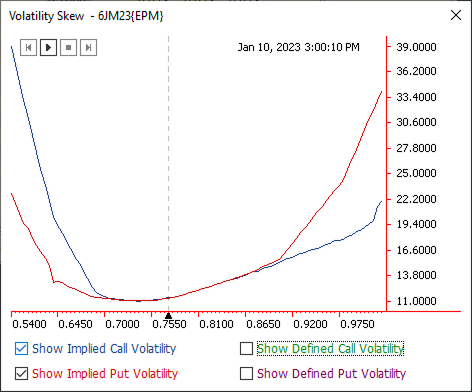
- Full-featured options charting with volatility skew analysis and integrated charts for volatility and key Greek values;
- Quick toggle between trading mode and selection mode;
- Display of monetary values for calls, puts, and straddles;
- Access to detailed instrument information directly within the interface;
- Print-ready options pages for reporting and analysis;
- Fast order entry by clicking directly on bid, ask, or last traded prices;
- “What-if” simulation tools for testing trading scenarios before execution;
Integrated Strategy Builder for creating and managing advanced options strategies.
Price Ladder
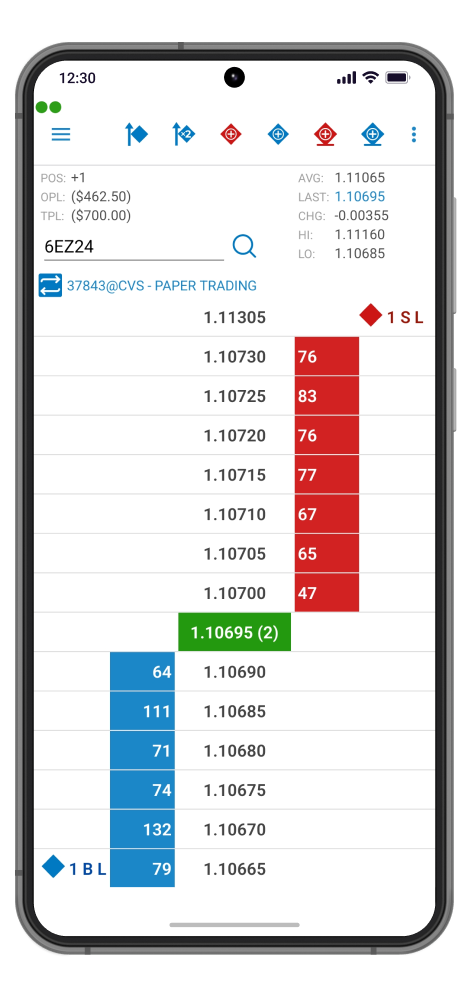
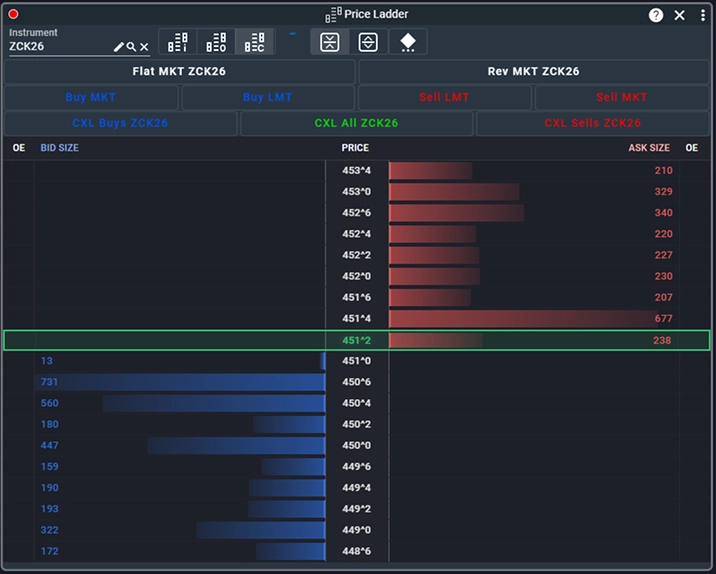
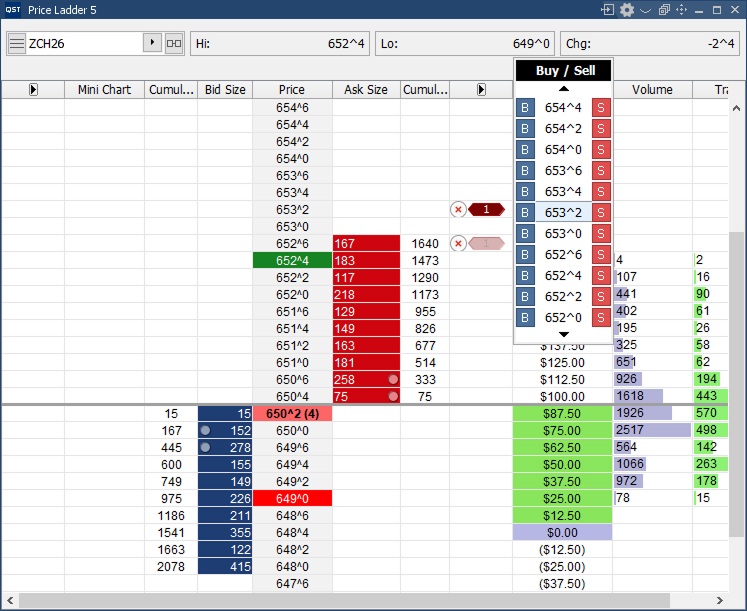
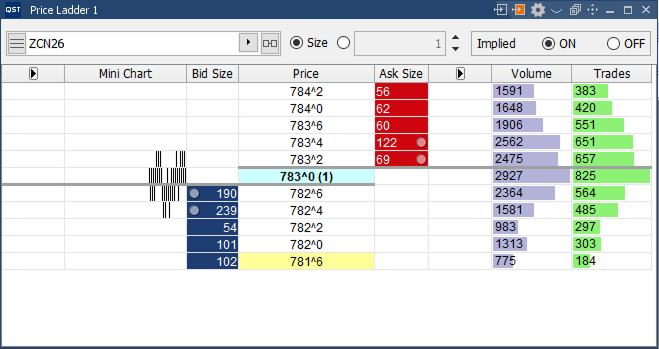
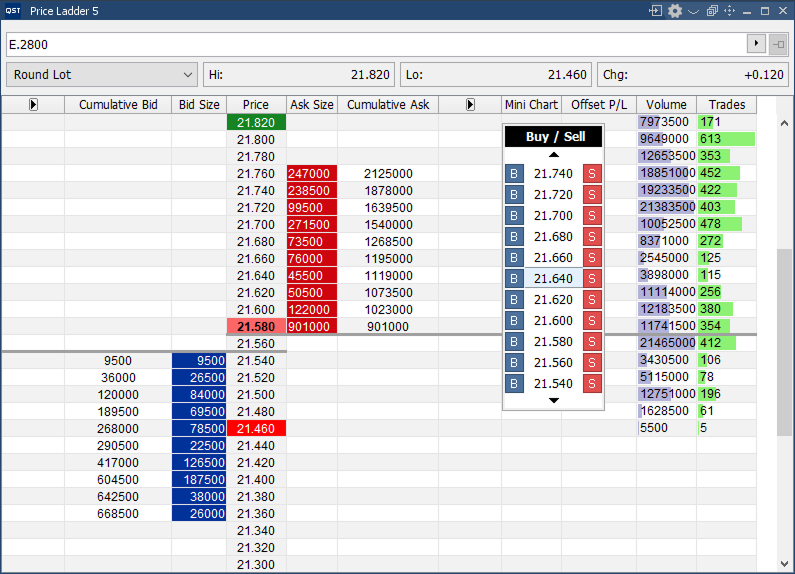
- Vertical price ladder interface designed for fast and efficient market interaction;
- Prices displayed in an organized vertical column for streamlined order management and market visibility;
Customization Features
- Select and configure the columns displayed within the ladder;
- Real-time streaming Last Tick data;
- Personalized colors, font sizes, and display preferences;
- Live display of positions, average entry price, and profit/loss information;
- Seamless switching between implied, outright, or combined market data views;
- Optional cumulative bid/ask column display for enhanced depth analysis;
- Highlight combined sizes that include an implied component;
Order Entry Features
- Option to show or hide Profit & Loss information;
- Option to display or hide active orders directly within the ladder;
- Toggle visibility of order cancel buttons;
- Optional mouse-over price selector for faster trade execution;
- Ability to override default quantity, order lifetime, and trading account during order placement.
Orders & Positions Monitor
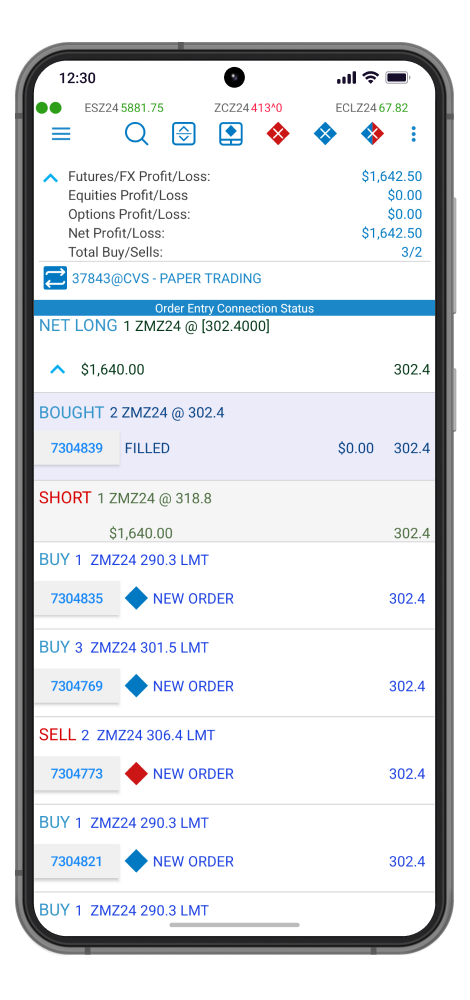
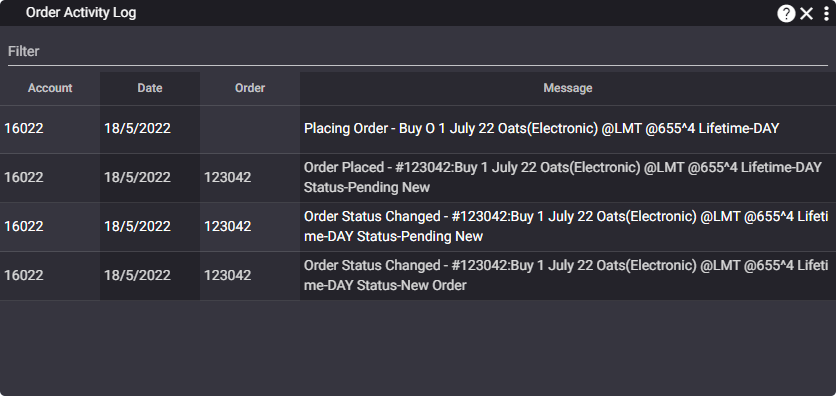
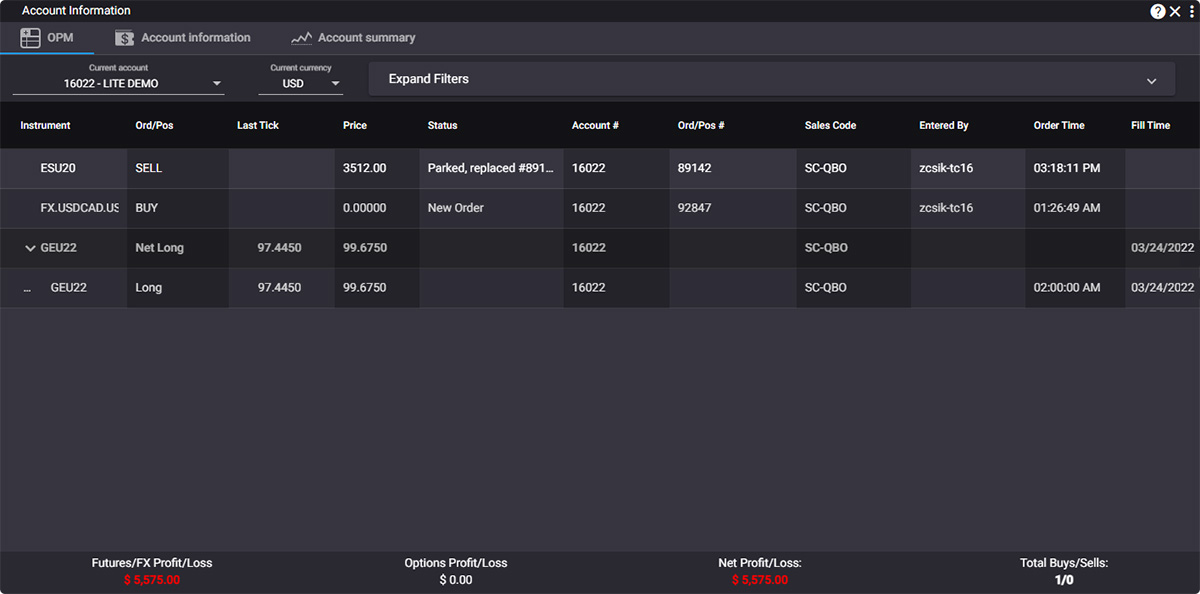
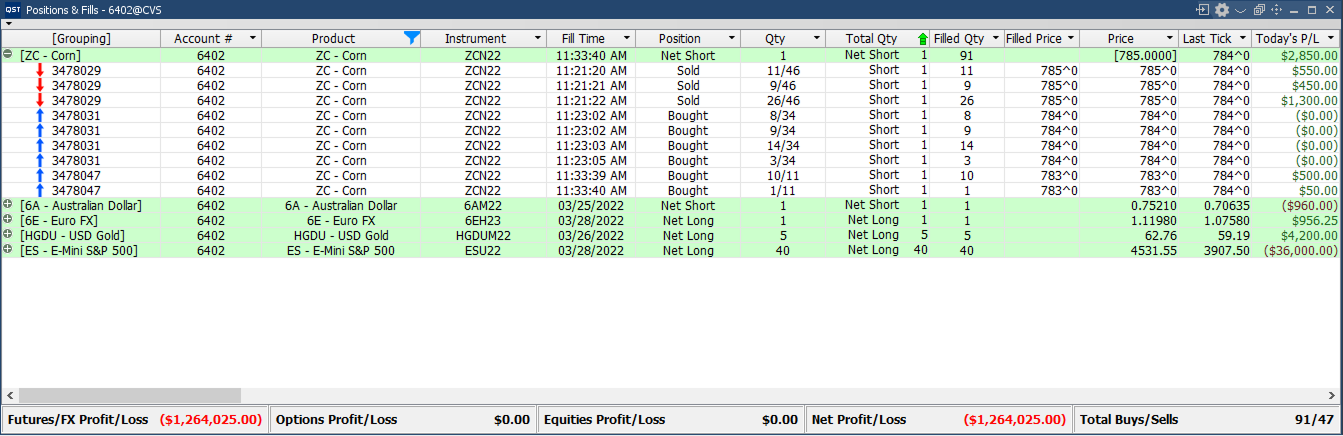
- Centralized monitor displaying all orders, positions, and their current statuses, organized by net positions for improved clarity and management;
Advanced Filtering Capabilities
- Expand or collapse all net position groups;
- Show or hide today’s fills and start-of-day positions;
- Toggle visibility of open and closed trades;
- Filter working, rejected, canceled, cancel/replaced, suspended, or expired orders;
Sorting & Monitoring Features
- Integrated status bar displaying Futures/FX, Options, and Net Profit/Loss information;
- Export data to Excel and import orders directly from .xls files;
- Built-in Trades Summary and Trades Recap functionality for performance review;
- Save and automatically preserve estimation details;
- Profit and loss calculations based on price deviations for enhanced risk and performance analysis.
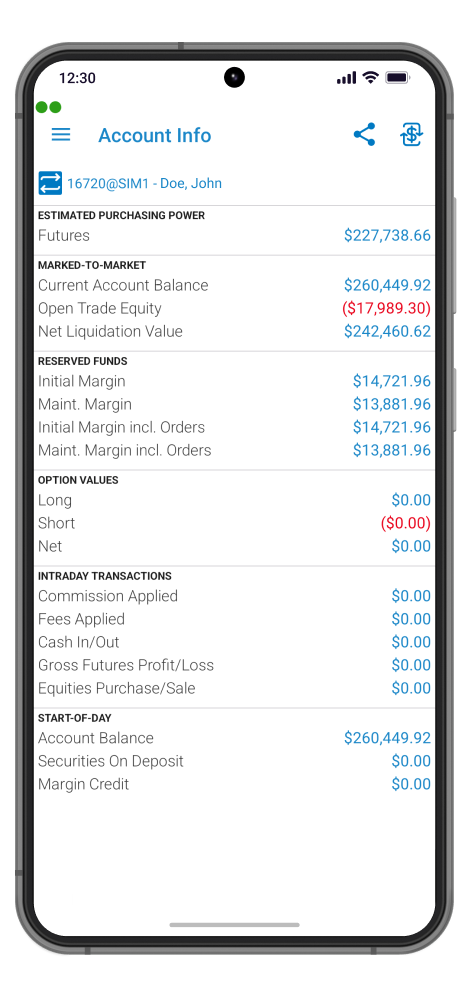
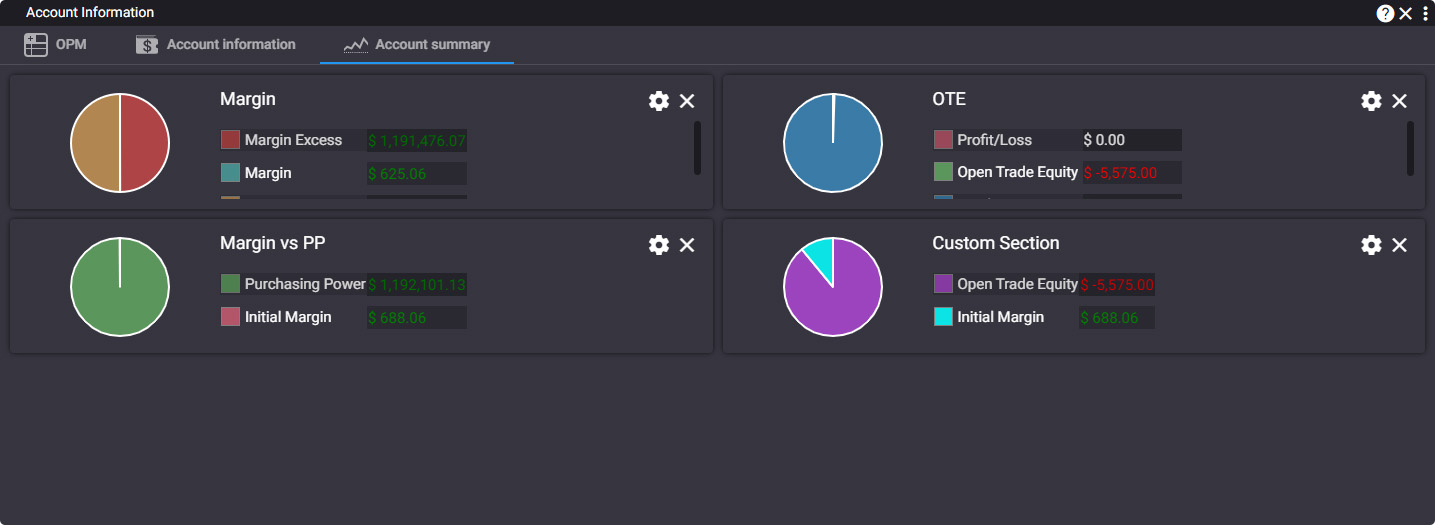
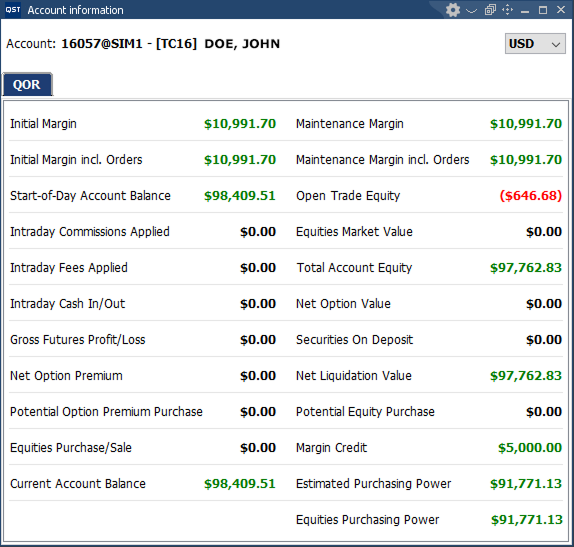
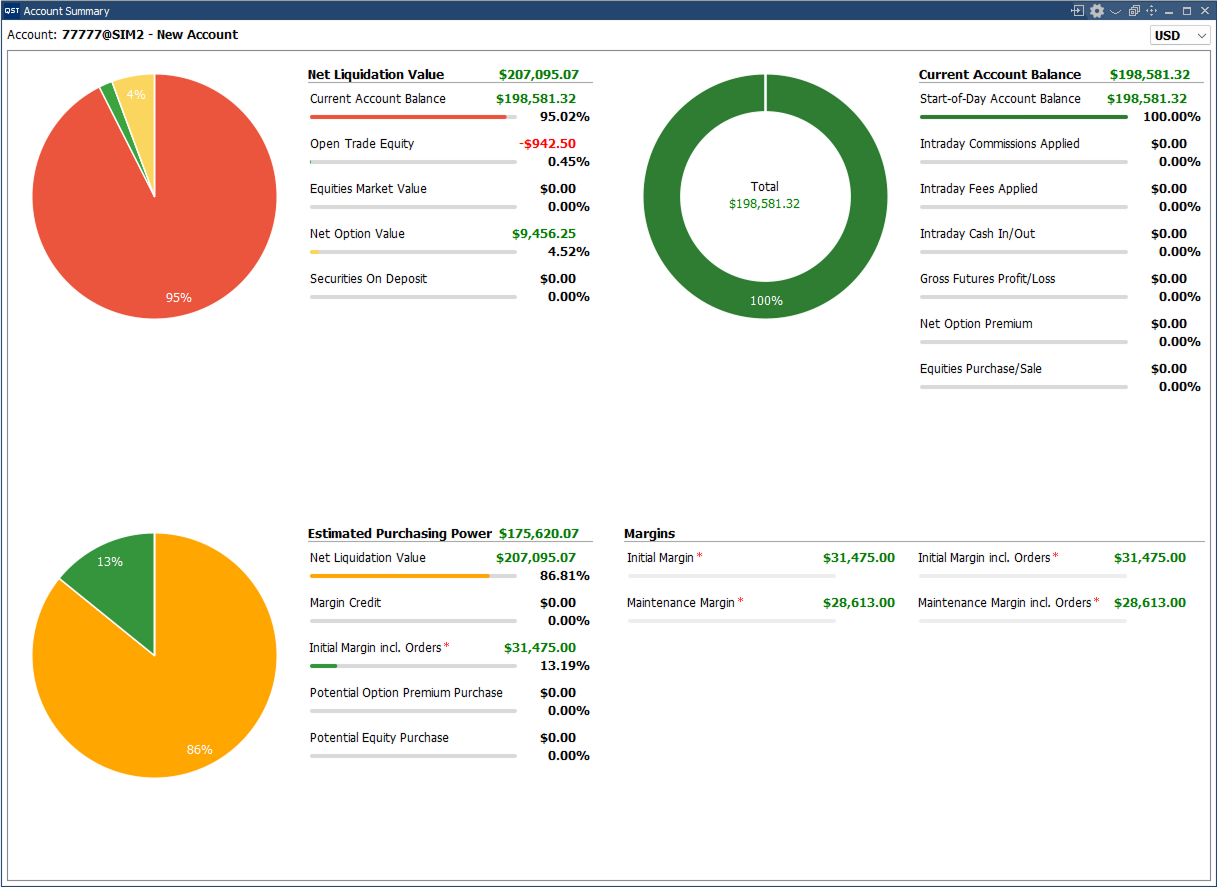
Account Information and Summary
- Real-time account monitoring with automatic recalculation on every new market tick or trade fill;
Margin Requirements
- Continuous calculation of Initial and Maintenance Margin requirements;
- Real-time tracking of unfilled Initial and Maintenance Margin requirements;
Live Account Metrics
- Real-time account valuation including:
- Long Option Value;
- Short Option Value;
- Net Option Value;
- Start-of-day and Mark-to-Market account balance calculations;
- Start-of-day and Mark-to-Market open trade equity tracking;
- Start-of-day and Mark-to-Market total equity monitoring;
- Securities on Deposit visibility;
- Net Liquidation Value calculations;
- Real-time Excess Funds and Purchasing Power updates.
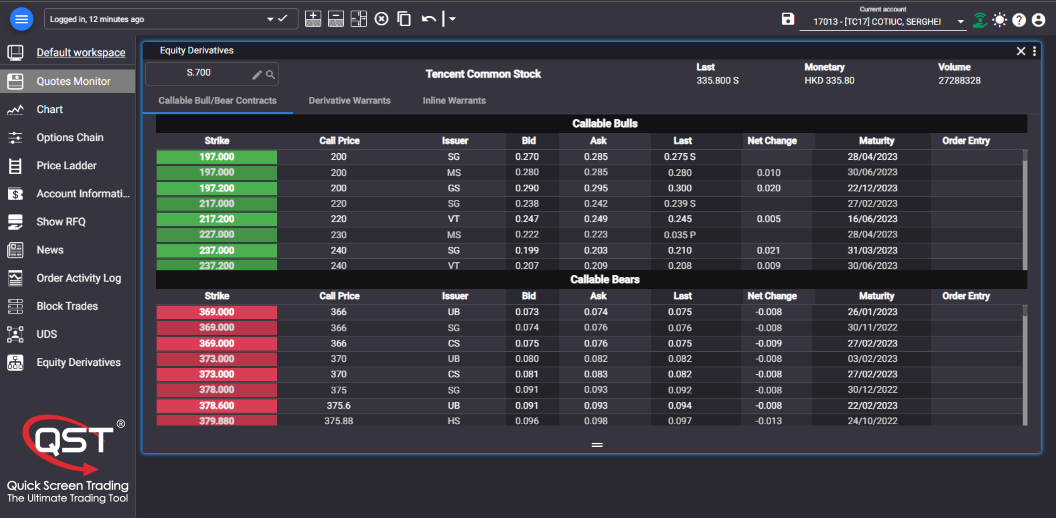
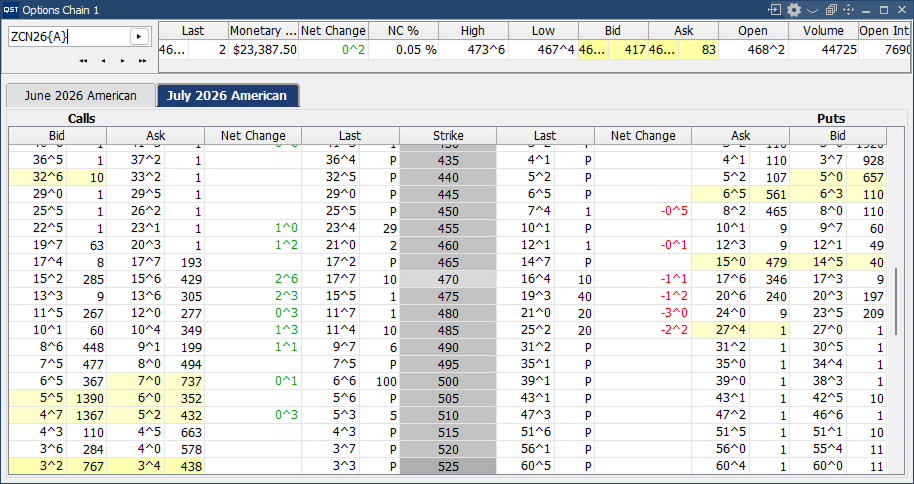
Options Chain
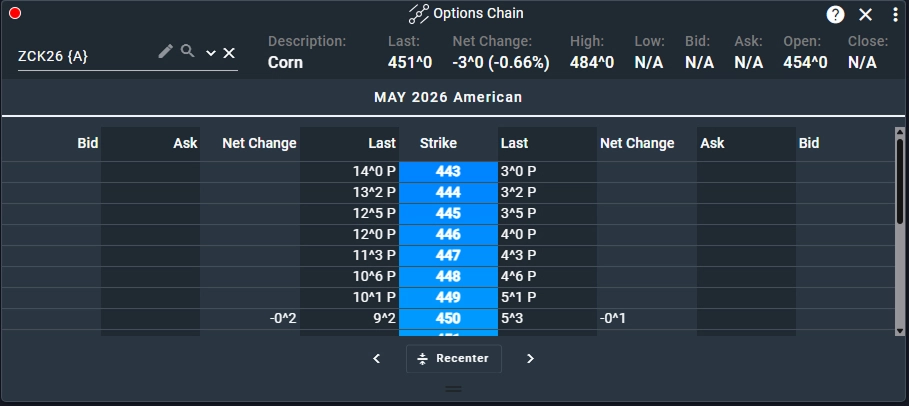
- Advanced options chain display presenting futures contracts alongside all strike prices vertically, with calls and puts aligned horizontally for efficient market analysis;
- Support for multiple contracts and simultaneous viewing of multiple option chains;
Customization Features
- Configure and customize futures and options columns;
- Choose between fixed or scrollable column layouts;
- Personalize colors, font sizes, and overall display settings;
Trading & Analysis Features
- Full support for options charting and visual analysis;
- Easily switch between one-click trading mode and selection mode;
- Display monetary values for calls, puts, and straddles;
- Access detailed instrument information directly from the options chain;
- Print options pages for reporting or offline review;
- Execute orders instantly by clicking on the bid, ask, or last traded price.
Scrolling Ticker
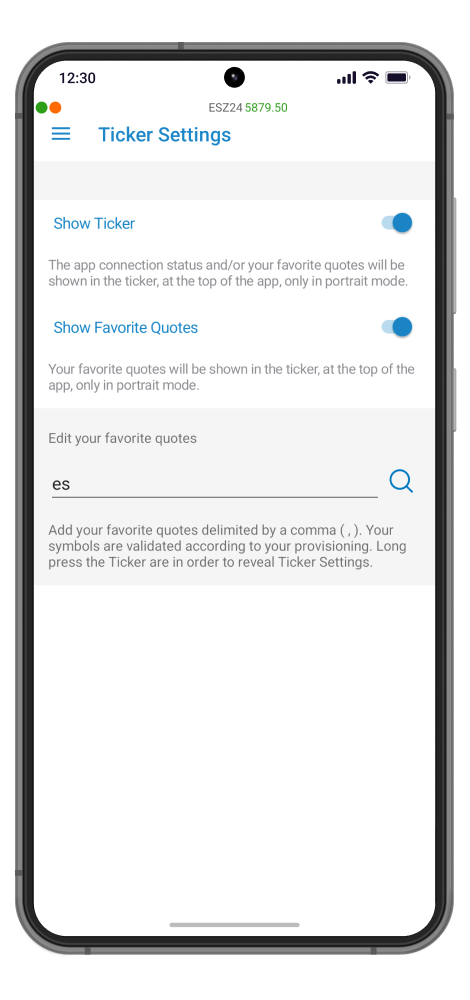
- Real-time scrolling ticker displaying Symbol, Last Price, Net Change, and Net Change Percentage;
- Adjustable font sizes for improved readability and personalized viewing;
- Compact Data View option for a cleaner and more space-efficient layout;
- Fully customizable color settings to match individual workspace themes and preferences.

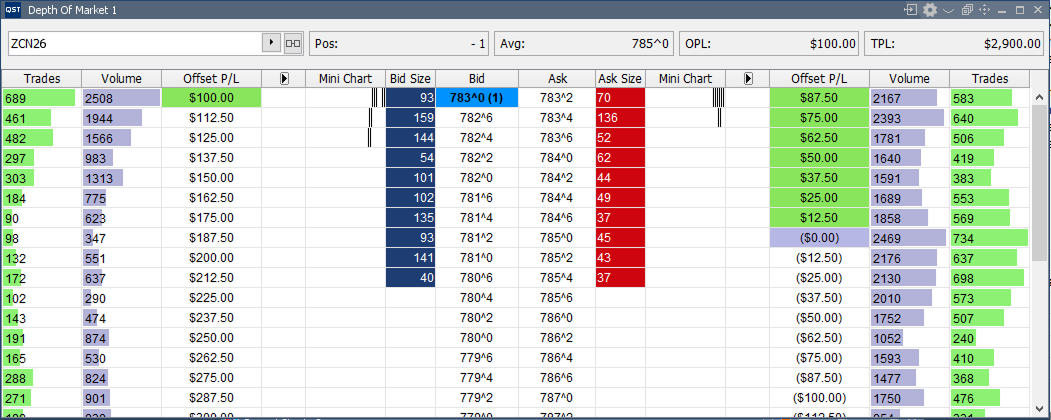
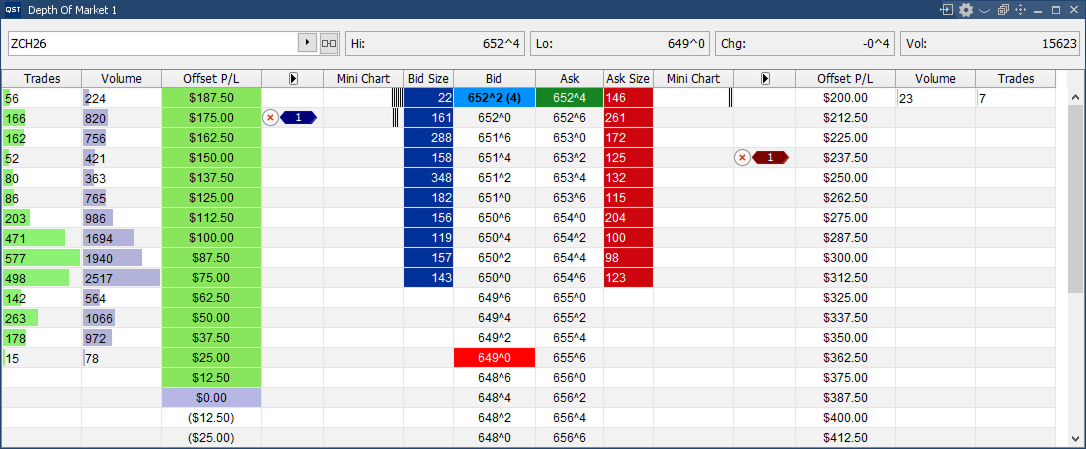
Depth of Market
- Advanced Depth of Market display with the best bid and best offer dynamically positioned at the top for quick market visibility;
Customization Features
- Select and configure the columns displayed in the market depth view;
- Personalize colors, font sizes, and overall display properties;
- Configurable pause functionality automatically freezes the display when hovering over selected regions for easier analysis;
- Instantly switch between implied, outright, or combined market data types;
- Optional cumulative bid/ask column display for enhanced liquidity analysis;
Order Entry Features
- Option to show or hide Profit & Loss information;
- Display or hide active orders directly within the interface;
- Toggle visibility of order cancel buttons;
- Optional mouse-over price selector for rapid order placement;
- Ability to override default quantity, order lifetime, and trading account settings during order entry.
Time & Sales
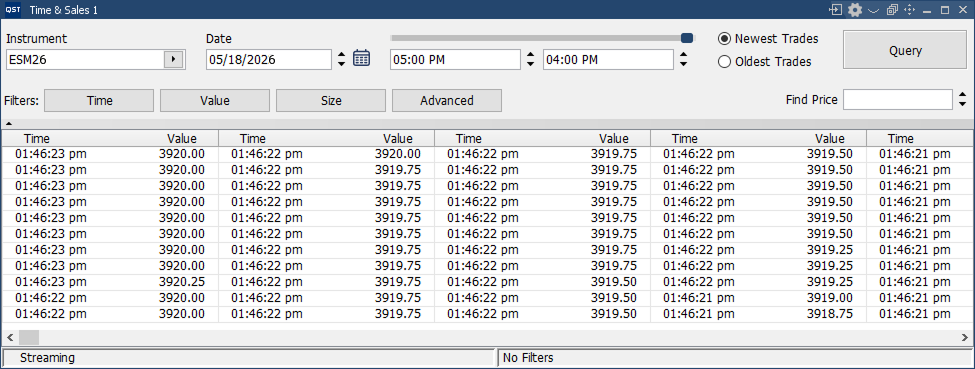
- Real-time streaming Time & Sales data for continuous market activity monitoring;
- Color-coded price tracking for faster trade identification and analysis;
- Flexible display options with both vertical and horizontal output layouts;
- Color-coded highlighting of session highs and lows for quick market insight;
- Double-click any price to automatically highlight all trades executed at the same level;
- Smart timeframe adjustment based on the contract’s opening time when an instrument is selected;
- Quick access to launch related charts directly from the Time & Sales window;
- Print functionality for exporting Time & Sales data for reporting or offline analysis.
Order Entry/ Management
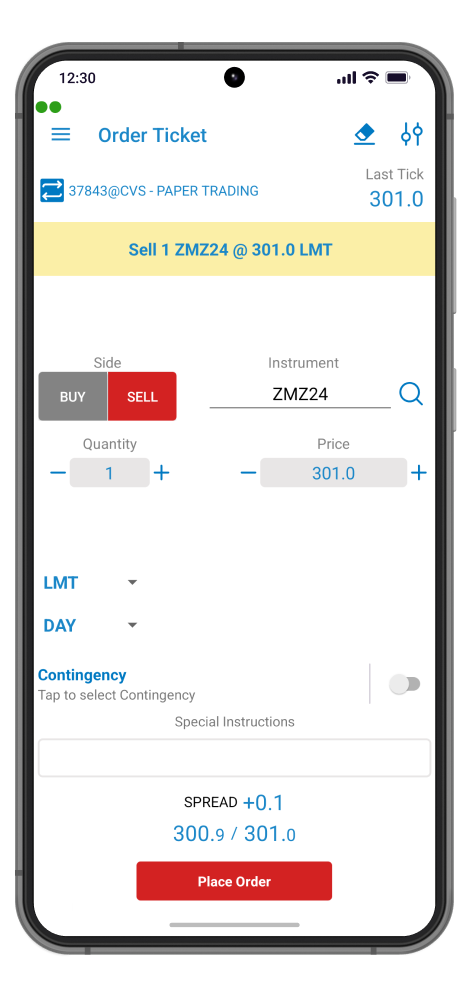
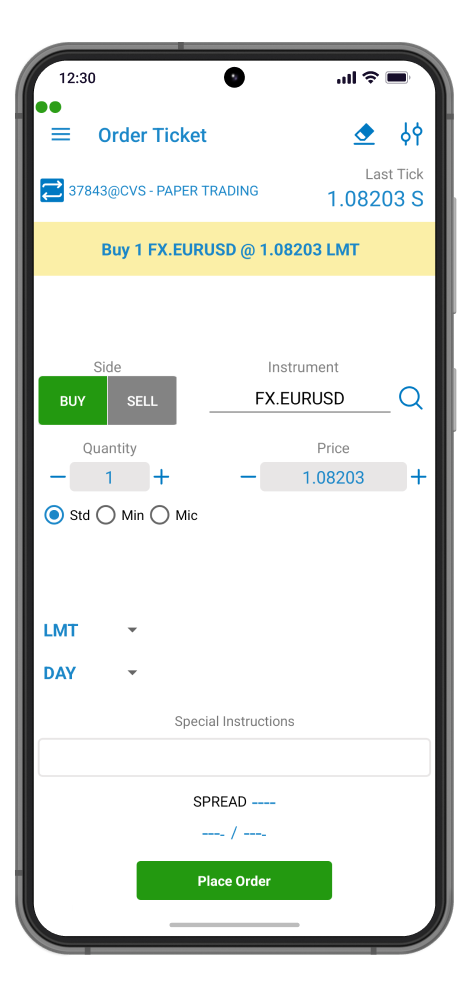
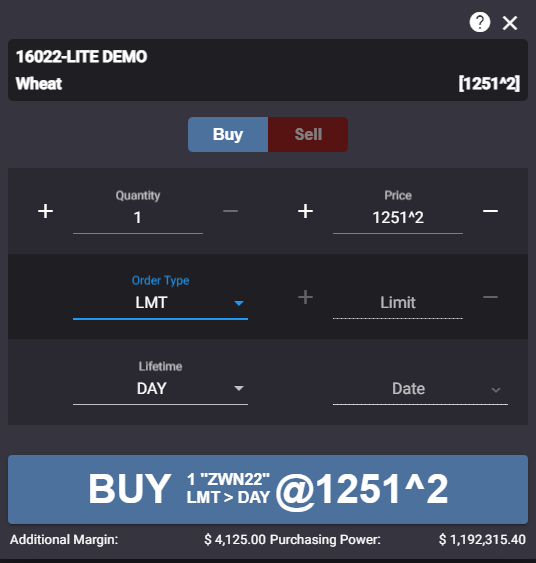
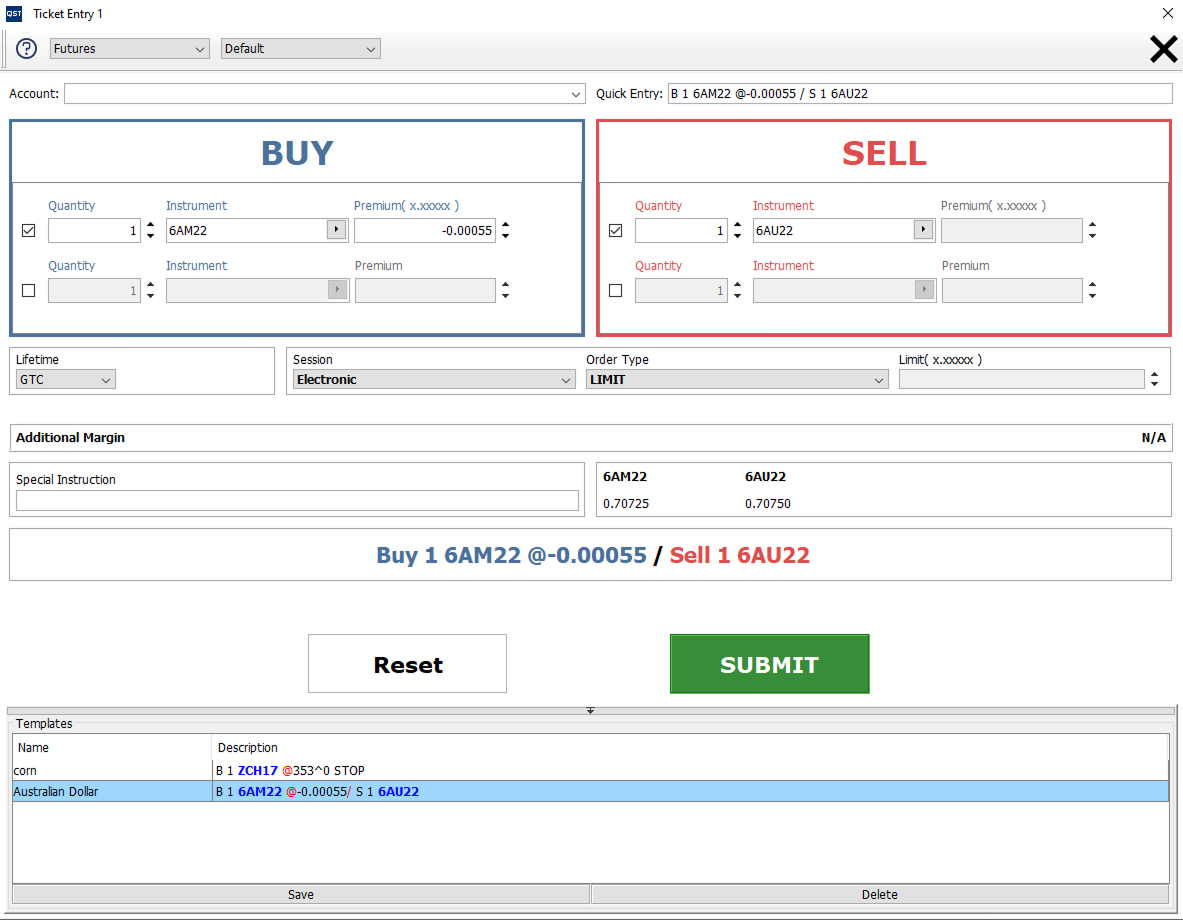
- Integrated Order Ticket for efficient trade execution and order management;
- Real-time Streaming Last Tick data for up-to-date market visibility;
- Order Templates for quick access to frequently used trading strategies and order configurations;
- Quick Entry Line for faster manual order placement;
- Intelligent contract validation with only valid month/year combinations enabled for each instrument;
- Calendar “Strip” selection feature allowing users to select all contract months of an instrument in a single step;
- Save and load Order Ticket Templates for streamlined workflow management;
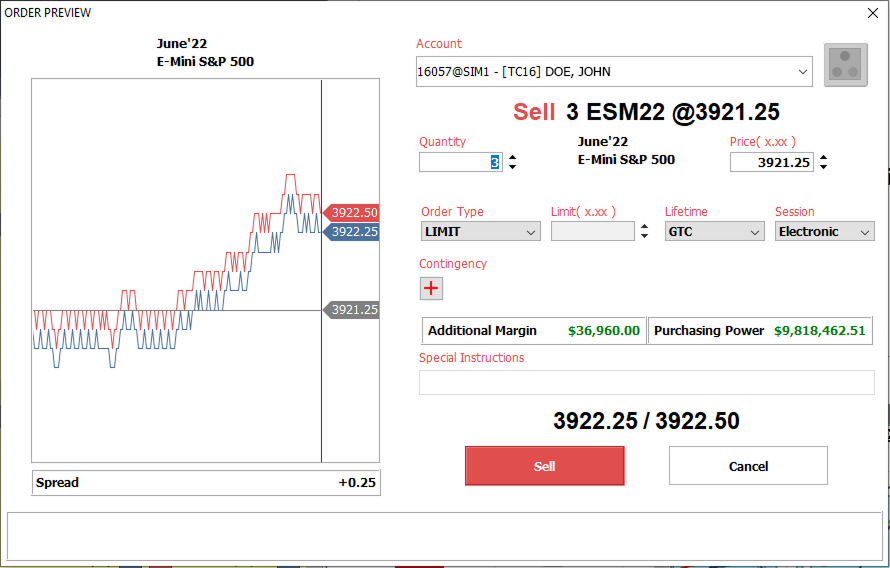
- Customizable Order Preview dialog with flexible levels of detail displayed before submitting an order.
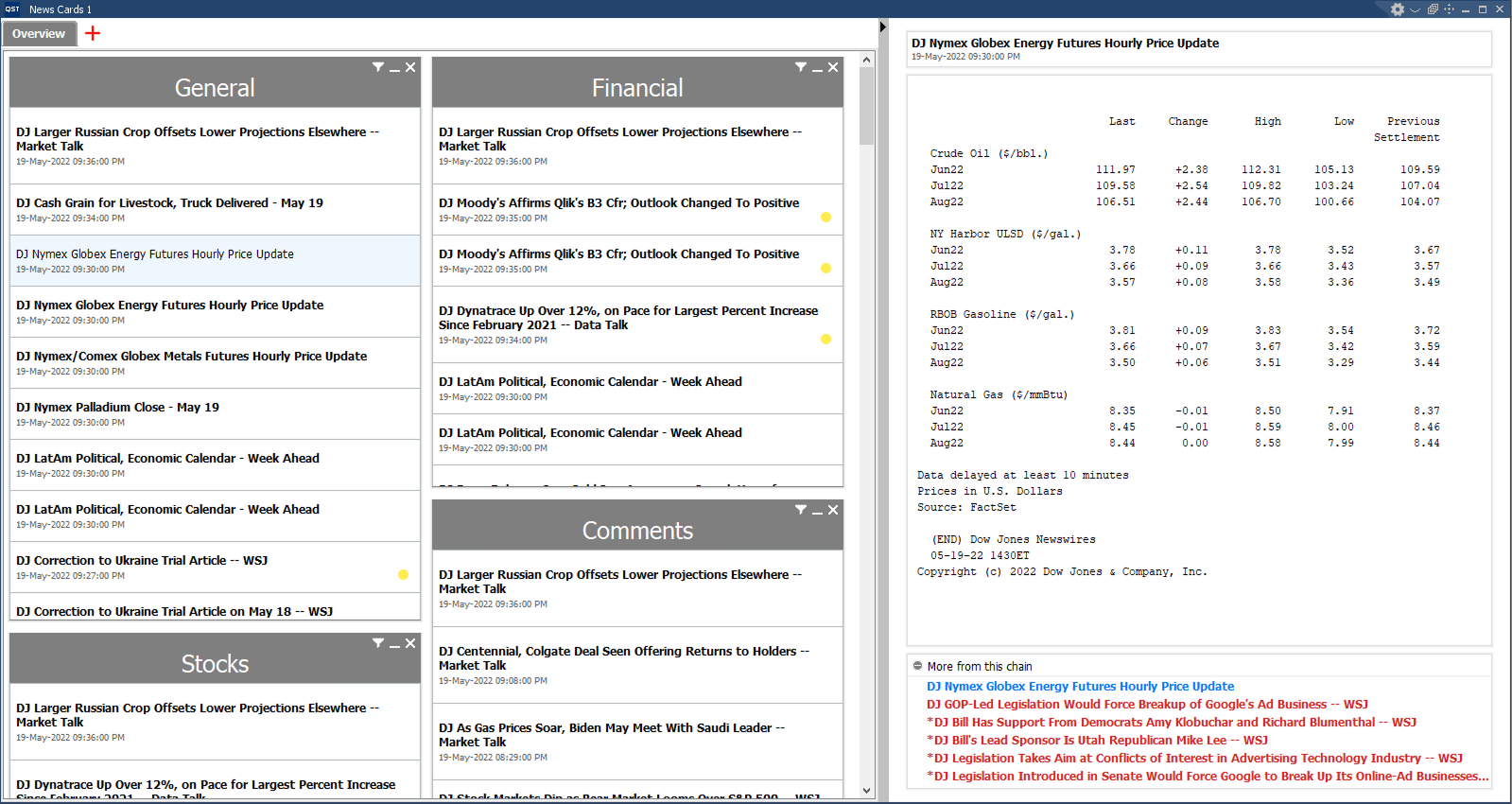
Real-Time News
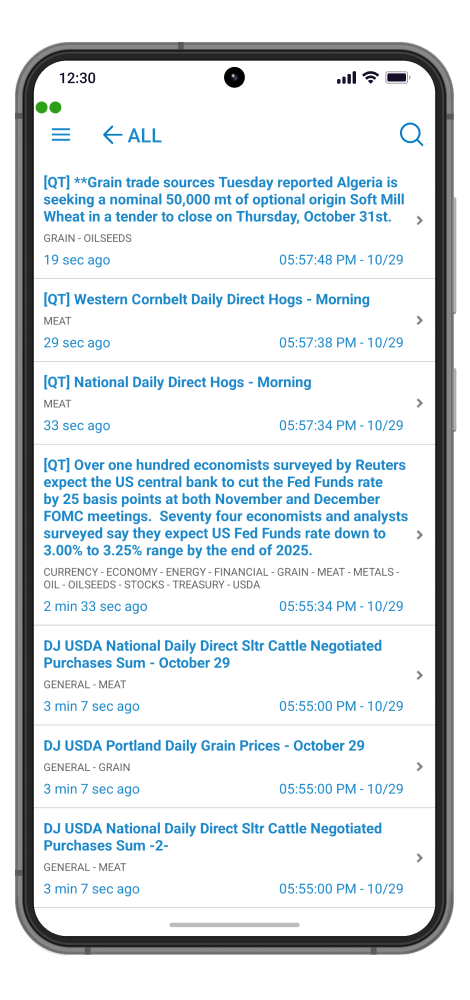
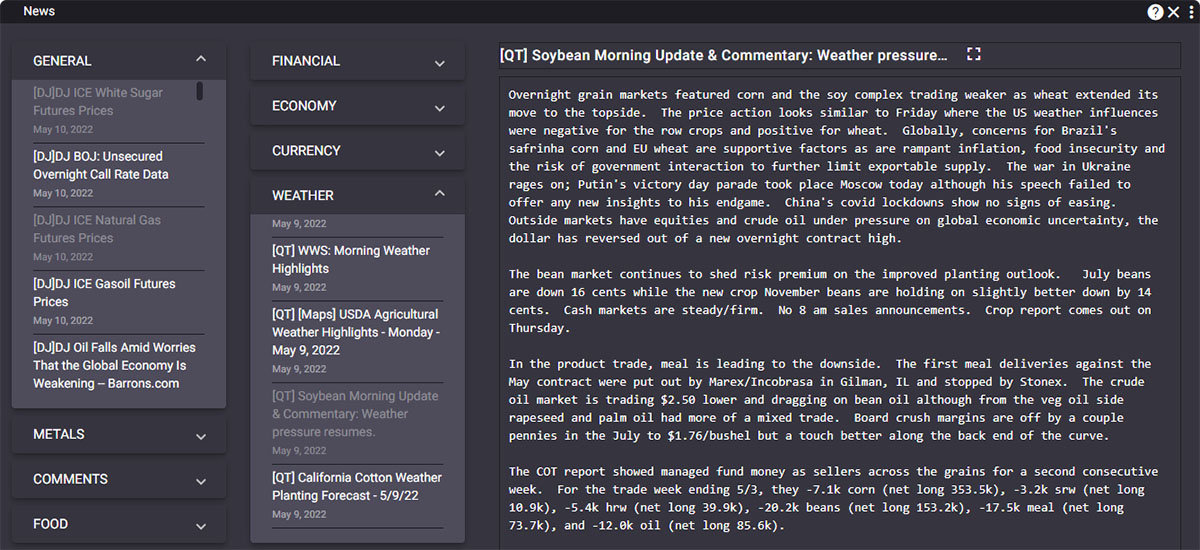
- Access to real-time market news from leading providers, including Dow Jones and LaSalle Street News;
- Fully customizable display settings, including colors, font sizes, and layout preferences;
- Configurable news categories for focused market coverage;
- Support for custom search terms and personalized news filters;
- Saved custom news searches automatically organized into dedicated tabs for quick access across future sessions;
- Ability to email or print news stories directly from the platform for sharing and reporting purposes.
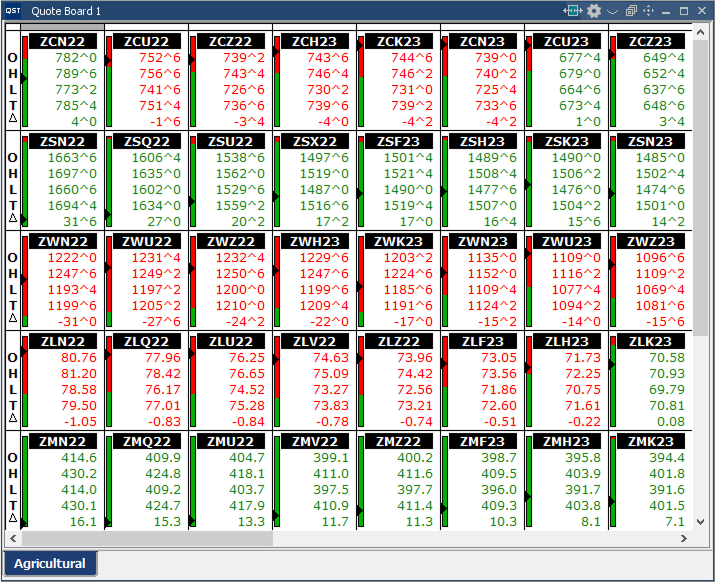
Quote Board
- Interactive “Thermometer” display provides an instant visual overview of contracts trading near their daily highs or lows;
Customization Features
- Create and manage multiple tabs within a single workspace frame;
- Arrange columns and rows easily using drag-and-drop functionality;
- Personalize colors, font sizes, and display settings to suit individual workflows;
Integrated Trading & Analysis Tools
- Launch Charts, Options, Price Ladder, Trade Ticket, Time & Sales, or Depth of Market windows directly from the right-click menu;
- Access detailed instrument information instantly;
- Print quote boards for reporting or offline analysis;
- Support for Synthetic and Arithmetic Spreads for advanced market monitoring and strategy analysis.
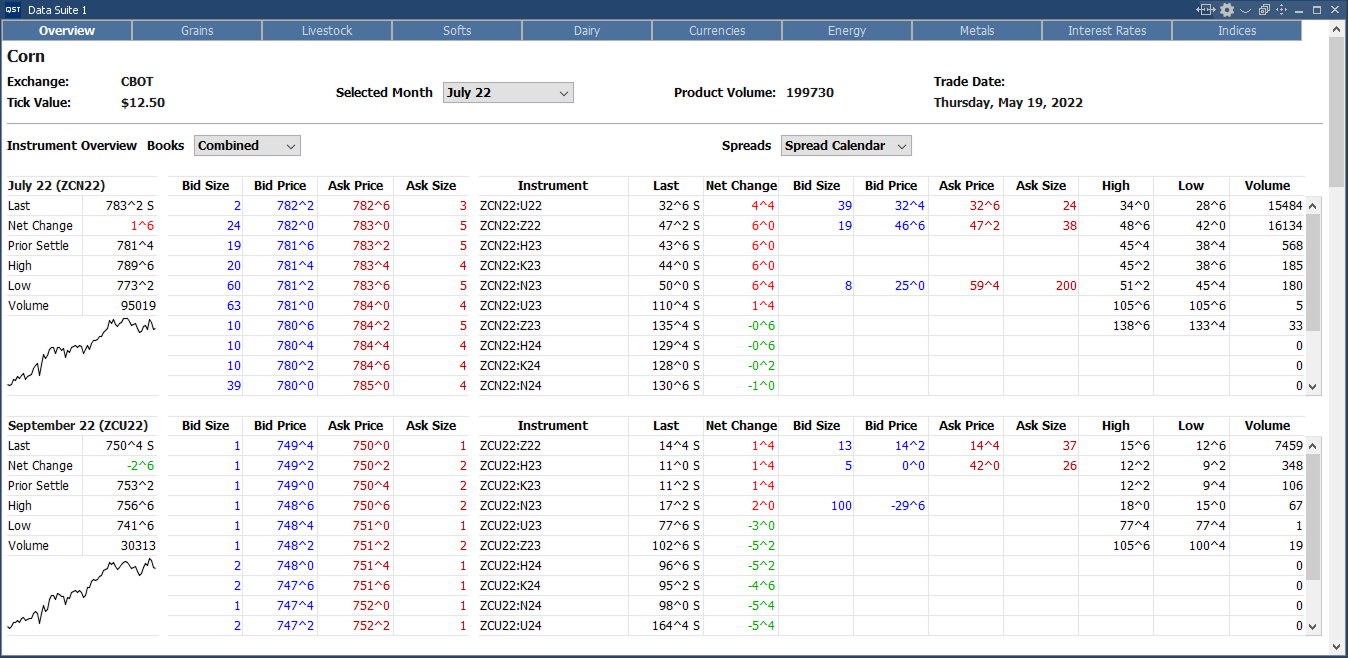
Data Suite
- Simple and intuitive web-based access to some of the market’s most actively traded instruments, conveniently organized by category;
- Pre-configured pages featuring a curated selection of futures contracts, trading strategies, and options markets;
- Fast order entry functionality allowing users to place trades directly by left- or right-clicking on Last, Bid, or Ask price cells;
- Integrated Strategy Builder tools for creating and managing custom trading strategies.
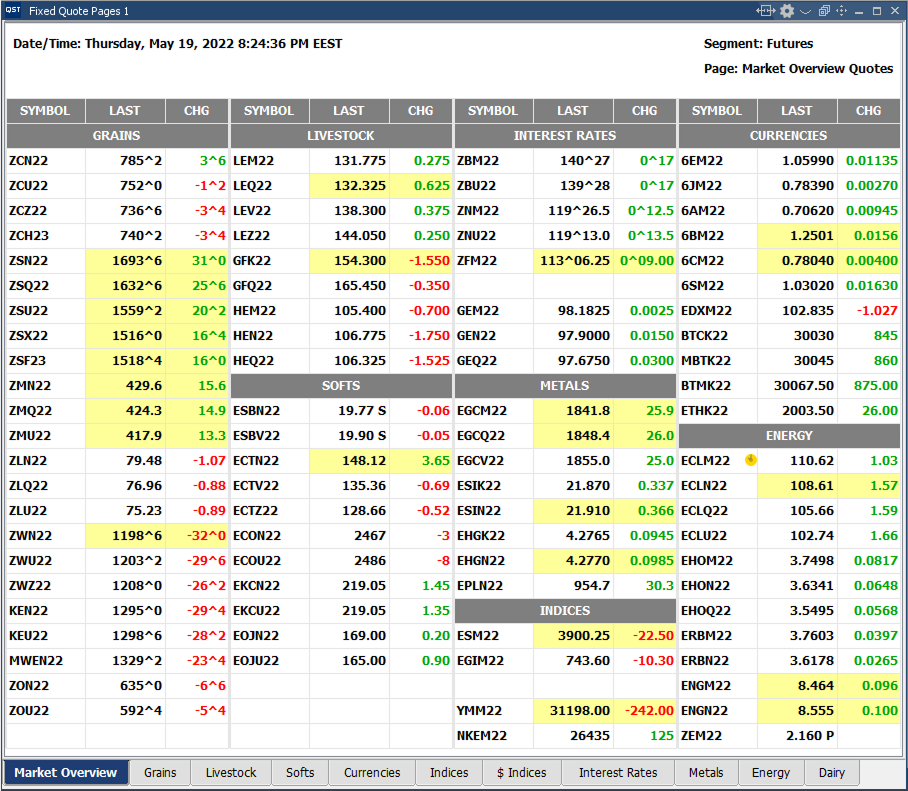
Fixed Quote Pages
- Support for both Streaming and Snapshot market data modes;
- Quickly launch Charts, Options, Depth of Market, Time & Sales, Price Ladder, or Trade Ticket windows directly from the right-click menu;
- Instant access to detailed instrument information;
- Print-ready quote pages for reporting and offline analysis;
- Integrated Strategy Builder functionality for creating and managing custom trading strategies.
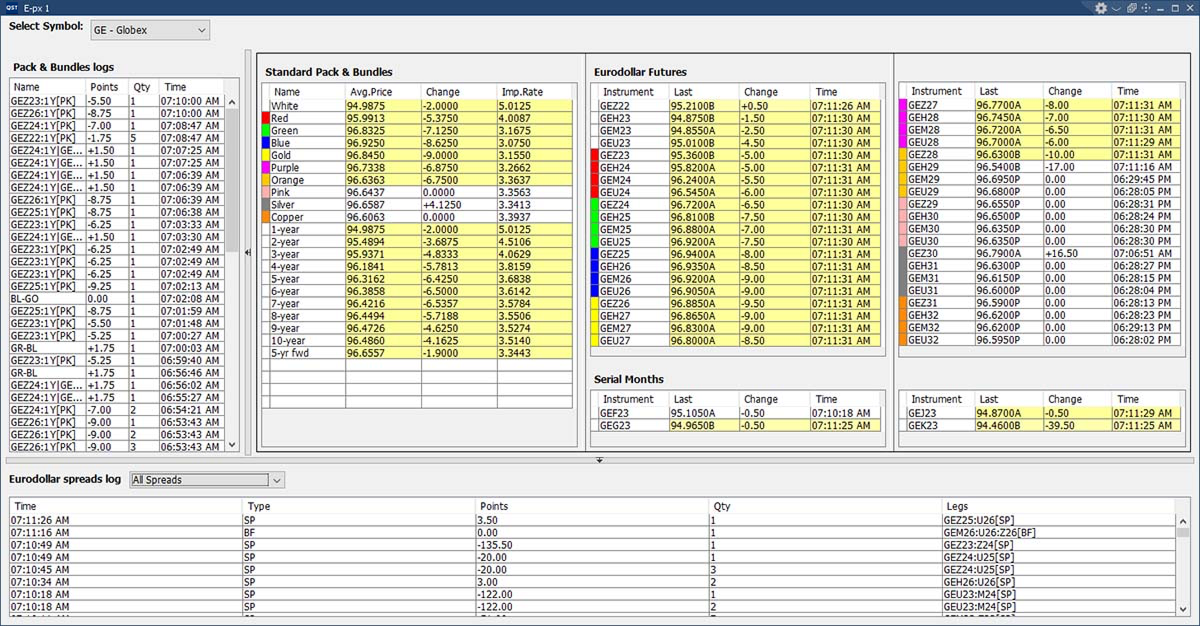
E-px
- Specialized monitoring tool for Eurodollar Futures markets;
- Tracks and logs real-time changes in packs, bundles, and calendar spreads for enhanced spread analysis and market monitoring;
- Designed to provide traders with quick visibility into Eurodollar spread activity and relative market movements.
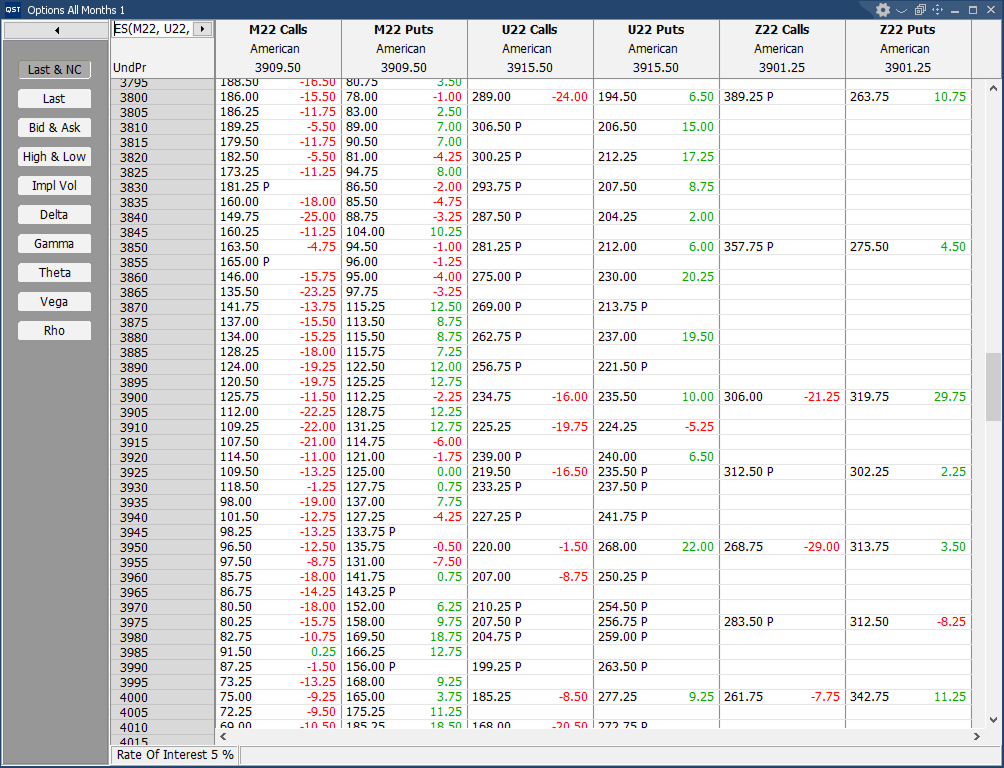
Options All Month
- Comprehensive options view displaying all option months within a single table for streamlined market analysis;
- View last prices, net changes, bid/ask values, and session highs/lows for calls and puts across every available contract month;
- Multi-contract support with the ability to manage and analyze multiple option chains simultaneously;
Advanced Options Analytics
- Real-time calculation and display of option Greeks using five pricing models:
- Black-Scholes
- Black ’76
- Barone-Adesi Whaley
- Binomial
- Trinomial;
Trading Features
- Easily switch between trading mode and selection mode depending on workflow preferences;
- Optimized for rapid options analysis and multi-month contract comparison in a single interface.
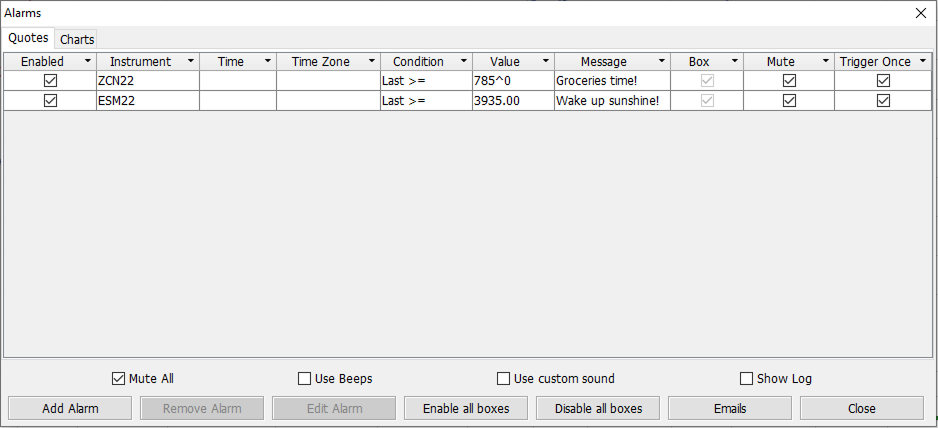
Alarms
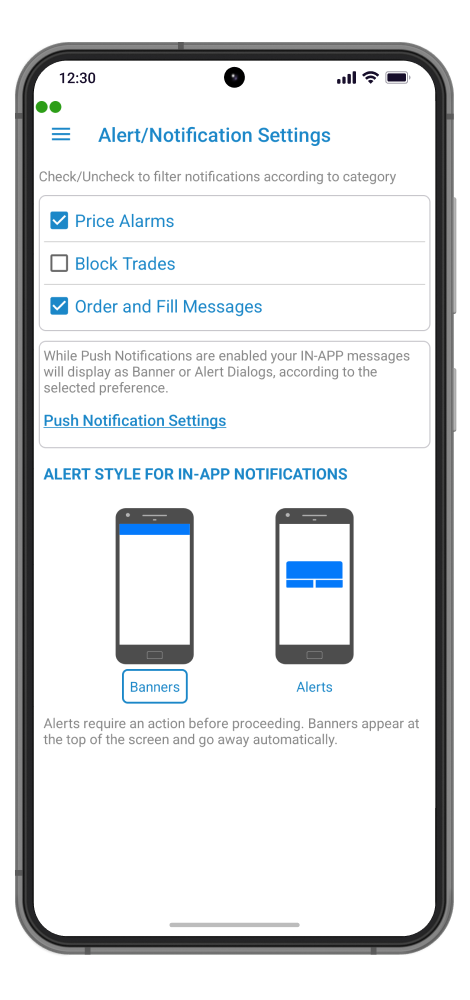
- Flexible alert system with support for audio notifications and custom text message alerts;
- Set alarms for futures, options, indices, and chart indicators;
- Quote-based alarms configurable for:
- Price levels
- Trading volume
- Trade size
- Time-based conditions;
- Advanced Chart Alarm settings allow users to define custom price targets and trigger conditions;
- Optional email notifications can be enabled or disabled when alarms are triggered.
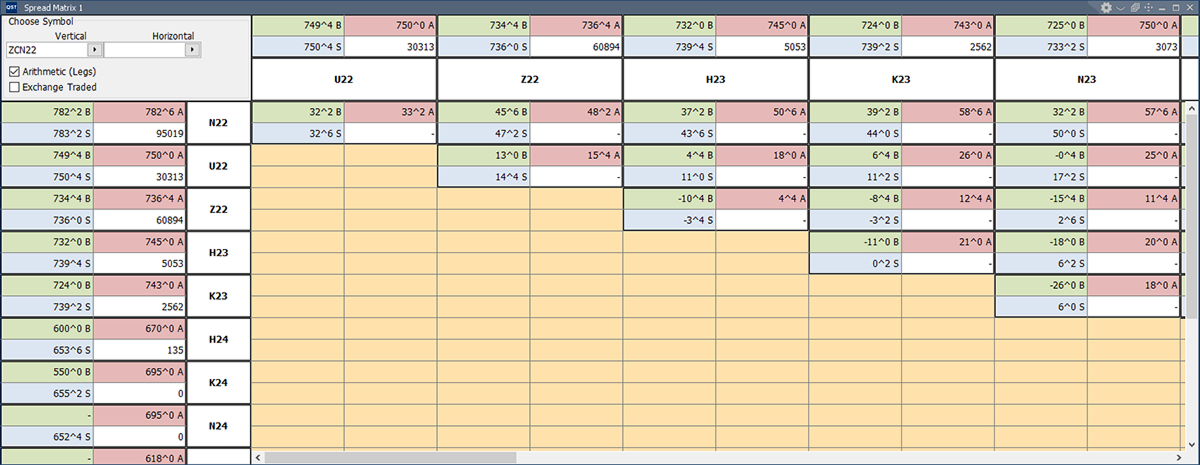
Spread Matrix
- Comprehensive spread analysis tool providing an at-a-glance view of the full calendar spread curve, from front-month to back-month contracts;
- Monitor exchange-traded calendar spreads, inter-commodity spreads, and inter-exchange spread differentials in a single interface;
- Real-time display of both leg positions and outright market positions;
Trading & Analysis Features
- Fast order entry by clicking directly on bid, ask, or last price cells for spreads or outright contracts;
- Right-click volume cells to instantly launch Charts, Options, Price Ladder, Time & Sales, or Depth of Market windows;
- Outright and spread cells display bid, ask, last traded price, and total trading volume;
- Full support for options spread quoting and analysis;
Customization & Navigation
- Fully customizable layout and display settings;
- Smooth scrolling support for efficiently viewing and analyzing deferred back-month spreads.
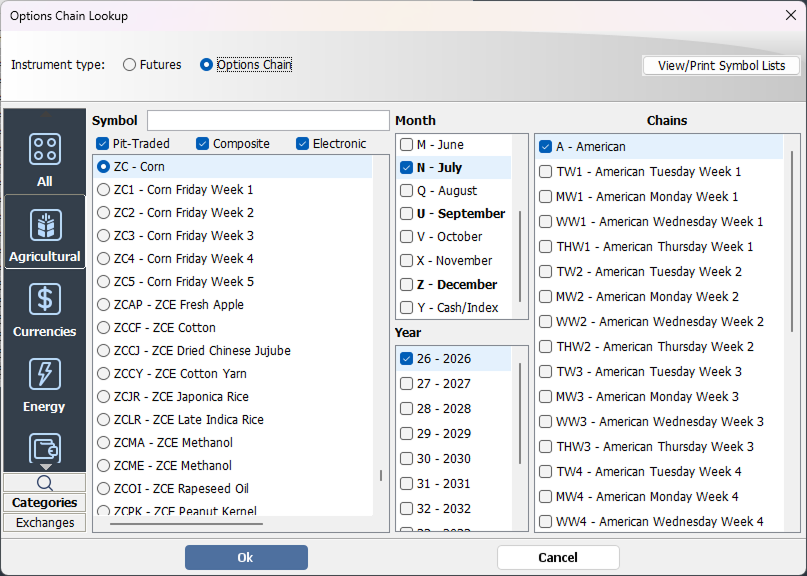
Instrument Lookup
- Intelligent popup windows automatically display valid month/year combinations as contracts are entered;
- Advanced instrument lookup system organizes products alphabetically by description or symbol, by asset type (futures, options, strategies, equities, or FX), by category (Currencies, Financials, Energy, etc.), or by exchange;
- Only valid month/year combinations are selectable for each specific instrument, reducing entry errors;
- Integrated chain and strike selection tools for options contracts;
- “Calendar Strip” functionality enables users to input all contract months for an instrument in a single step;
- View or print complete symbol lists grouped by category or exchange for quick reference and organization.
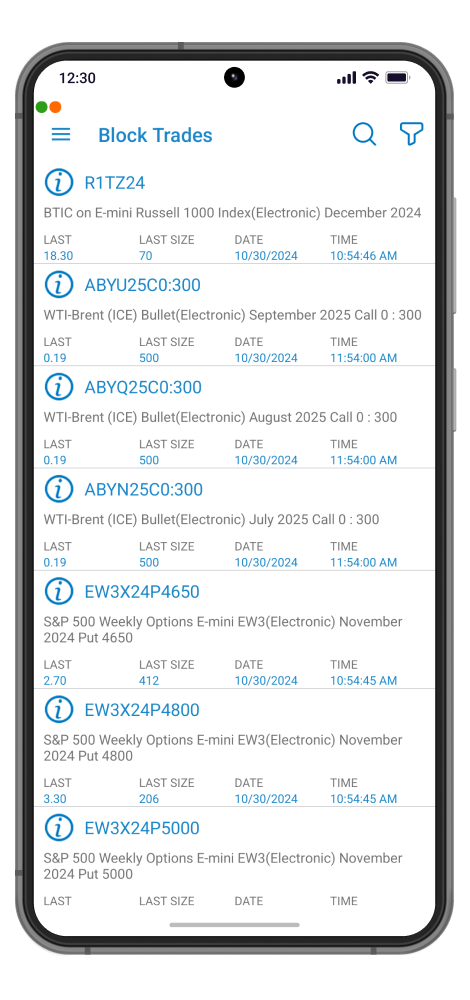
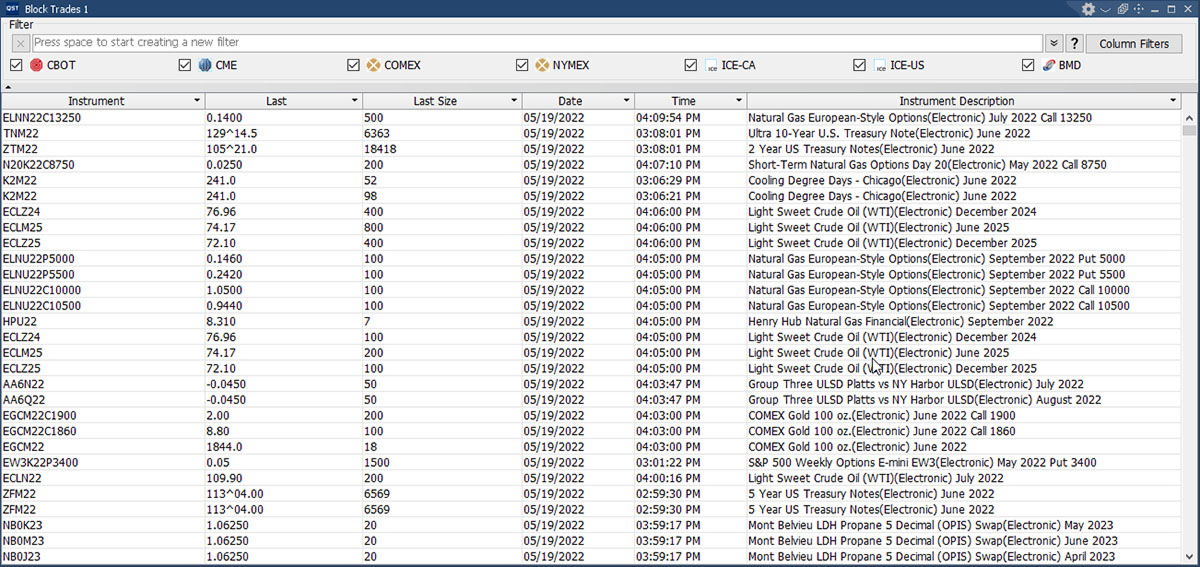
Block Trades
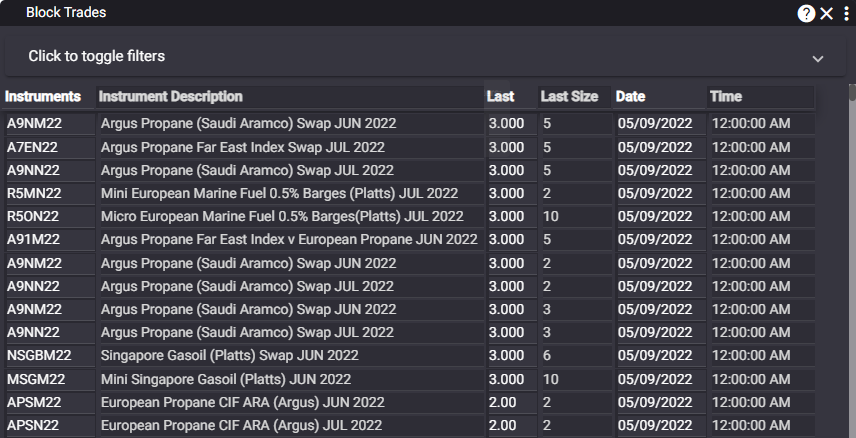
- Real-time monitoring of block trade activity across supported markets;
- Advanced filtering options by trade quantity or product type for faster analysis;
- Built-in “Copy to Clipboard” functionality for quick data export and sharing;
- Right-click actions allow users to set alarms or instantly open detailed instrument information.
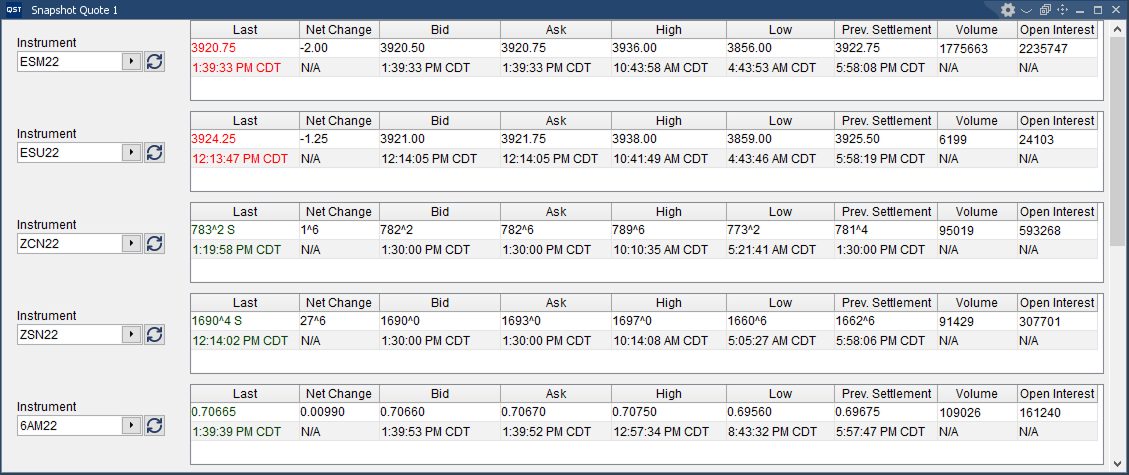
Snapshot Quote
Customization Features
- Select and arrange displayed columns using intuitive drag-and-drop functionality;
- Personalize colors, font sizes, and display settings to match individual workspace preferences;
- Dedicated Refresh button for manually updating quote data when needed;
Integrated Market Tools
- Launch Charts, Options, Depth of Market, Price Ladder, or Time & Sales windows directly from the right-click context menu for fast market analysis and trading access.
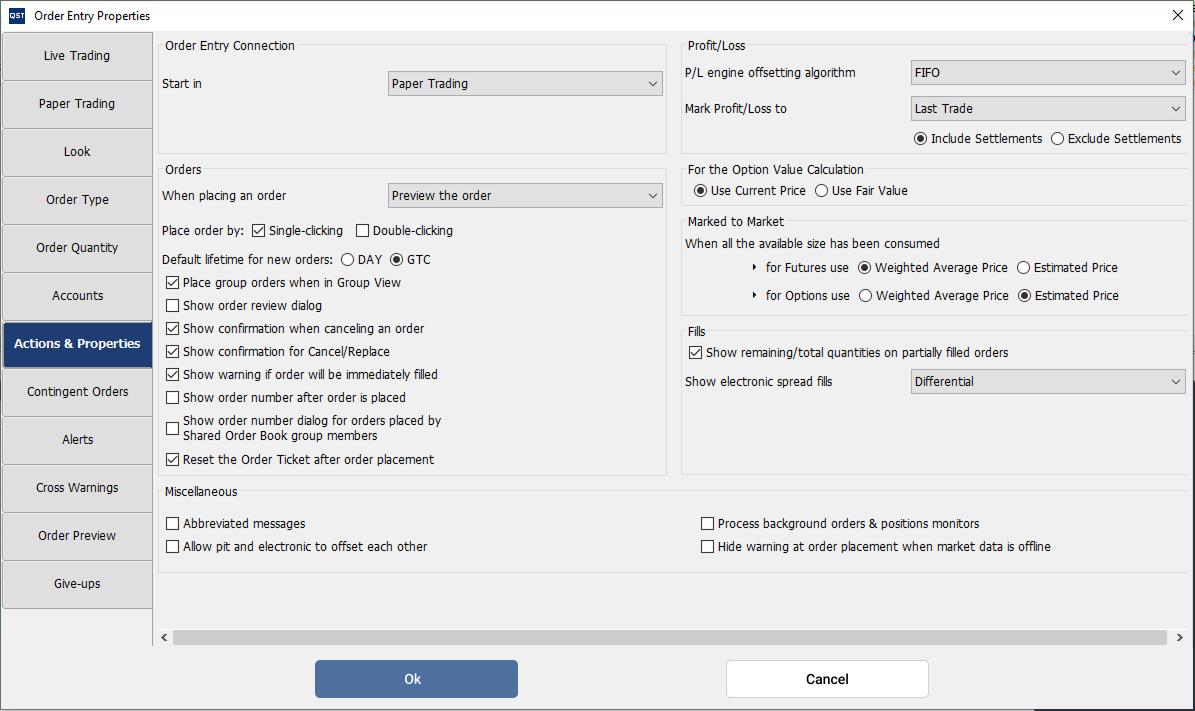
Order Entry Properties
- Advanced order entry configuration based on instrument type and price positioning;
- Flexible order logic customization:
- Buy orders above the market can automatically be treated as Stop orders;
- Buy orders at the market price can be submitted as Market orders;
- Buy orders below the market can automatically become Limit orders;
Customizable Order Behavior
- Configure whether clicks on Last, Bid, or Ask prices generate Limit or Market orders;
- Built-in “Fat Finger” protection to help prevent incorrect quantity input;
- Option to place orders using either single-click or double-click execution;
- Flexible order placement workflow:
- Open the Order Ticket;
- Display an order preview;
- Submit orders directly without confirmation;
Notifications & Safety Controls
- Configurable order review screens, order number confirmations, cancel confirmations, fill warnings, and Shared Order Book notifications;
- Notification preferences including:
- Pop-up alerts
- Pop-under alerts
- Pop-under with preview
- No notification;
- Notification behavior can be customized based on whether actions originate from the current trader or other users;
Advanced Trading Features
- Set default trading sessions for composite symbols;
- Full support for contingent orders;
- Email notification functionality for trading activity and alerts;
- Cross-trade and wash-trade warning protection;
- Ability to override the default trading account for specific products or instruments;
- Customizable account groups and visual appearance settings;
Professional Trading Environment
- Designed to support advanced quick screen trading workflows with professional-grade order entry controls and risk management features.
QST Professional Tutorials
BASICS
QST Professional Tutorial: Getting Started – Basics
ORDER ENTRY
QST Professional Tutorial: Order Entry
CHARTING
QST Professional Tutorial: Getting Charting
QST Trading Solutions
QST offers a complete suite of multi-asset trading technology solutions including our flagship QST trading platform to
manage the entire trading life cycle.




Start Trading with QST
Contact us to answer any questions you may have or to get started experiencing QST